After years as Digital First AI, we are happy to announce our rebrand to DFIRST AI. This rebranding reflects our expanded focus on AI-driven creative tools and our commitment to new possibilities for creators everywhere. Try our new platform for free.
15 Best AI Tools for Social Media Marketing in 2026
Find the best AI tools for social media marketing: DFIRST, Canva, Sprout Social, and Buffer. Automate content creation, scheduling, and analytics for Instagram, Facebook, LinkedIn & TikTok. Save 10+ hours weekly.

Sonu kalwar
Share:
Your social media team spends 60% of their week creating content manually.
I've tested dozens of AI-powered marketing platforms to solve this exact problem. The right AI tools transform how you generate captions, design graphics, schedule posts, and analyze performance across Instagram, Facebook, LinkedIn, and TikTok.
These tools eliminate content bottlenecks, automate multi-channel scheduling, and surface actionable insights from your social data—without requiring dedicated specialists on your team.
The 15 best AI tools for social media marketing I've selected deliver measurable results:
You'll save 10-15 hours per week
Produce content 30-50% faster
And, improve engagement through AI-optimized posting schedules.
I've organized them into four categories:
Content creation tools (DFIRST, Jasper, Copy.ai)
Design and video platforms (Canva, Predis.ai, OpusClip)
Social media management systems (Sprout Social, Hootsuite, Buffer)
And, analytics solutions for listening and sentiment tracking.
You'll discover which tools match your team size, budget, and platform focus—whether you're running Instagram campaigns, LinkedIn thought leadership, or TikTok viral strategies.
Let's dive into the tools that will transform your social media workflow.
5 Best AI Tools for Social Media Marketing Shortlist 2026
Platforms | Best For | Starting Cost | Free Trial |
|---|---|---|
 | Research, Strategy, Design, Content and More. 50+ In-Built Latest AI Modals. AI Agents Creates & Executes Campaigns. | $39/month | Yes. Try it now |
 | Enterprise teams; offers AI content generation, unified inbox, and predictive analytics across Instagram, Facebook, LinkedIn, and Twitter. | $199 per seat/month | Yes |
 | Visual content; features AI design suggestions, Magic Write for copy, and 250,000+ templates. | $3.25/month | Yes |
 | Scheduling optimization; uses AI to determine optimal posting times and manage multi-channel campaigns. | $5/month | Yes |
 | Enterprise monitoring; provides AI-powered social listening, sentiment analysis, and crisis detection. | $99per month | Yes |
These tools help social media marketing teams save 10-15 hours weekly by automating content creation, scheduling, and analytics.
What Is AI-Powered Social Media Marketing?
AI-powered social media marketing uses artificial intelligence to automate tasks and optimize your social media marketing strategy. These tools help you schedule posts, understand your audience better, and respond to customers faster than manual methods allow.
How AI Is Transforming Social Media Management
AI changes how you handle daily social media tasks by taking over repetitive work. You can now use AI tools to suggest content and schedule posts automatically instead of planning each one by hand.
These tools analyze when your followers are most active online. They then post your content at those peak times to get more views and engagement.
AI also helps you sort through hundreds of customer messages quickly. The technology reads each message and puts urgent ones at the top of your list. This means you can answer important questions first.
You can track what people say about your brand across different platforms in real time. AI scans comments, reviews, and mentions to alert you when something needs your attention.
Key AI Technologies: Natural Language Processing, Machine Learning & Computer Vision
Three main technologies power AI social media tools:
Natural Language Processing (NLP) helps AI understand human language in posts and comments. It reads text to figure out if people feel positive, negative, or neutral about your brand. NLP also generates captions and responds to customer questions in a natural way.
Machine Learning (ML) studies patterns in your social media data over time. It learns which posts get the most engagement and predicts what content will work best for your audience. The technology gets smarter as it processes more information about your followers' behavior.
Computer Vision analyzes images and videos you share. It can identify objects, faces, and scenes in your visual content. This helps you tag photos automatically and understand which types of images your audience prefers.
Benefits: Save 10-15 Hours Per Week On Content Creation
AI cuts down the time you spend making social media content each week. You can generate multiple caption options in seconds instead of spending 30 minutes writing one post.
The technology also creates image descriptions and suggests relevant hashtags automatically. This removes tasks that used to take hours from your schedule.
Time savings breakdown:
Caption writing: 5-7 hours saved
Content scheduling: 2-3 hours saved
Image editing and optimization: 2-3 hours saved
Hashtag research: 1-2 hours saved
You'll have more time to focus on strategy and connecting with your audience. AI handles the routine work while you make decisions that require human judgment and creativity.
Top AI Social Media Management Platforms
These platforms combine AI-powered automation with social media management features to help you schedule posts, analyze performance, and engage with your audience. Each tool brings unique strengths that cater to different team sizes and marketing goals.
DFIRST AI - Best for Research, Ad Creatives & Copies Production
DFIRST AI gives you a canvas-based workflow platform where you can connect different marketing tasks in one place. You don't need to switch between research tools, writing apps, and design software anymore.
The platform works through a drag-and-drop interface. You add AI nodes to your canvas and link them together so data flows automatically from research to copywriting to creative production. Each node handles a specific job, and they all talk to each other without manual copying and pasting.
Key features you can use:
50+ AI models including GPT-5, Claude, and Gemini for different tasks
Data Room where you upload brand guidelines and past content so the AI learns your voice
Built-in research tools that scrape competitor websites and social feeds
Creative generation through DALL-E and VEO-3 for matching visuals
You can generate ad creatives and social media posts by describing what you need. The platform creates blog posts, ad copy, and social content in 25 languages.
DFIRST AI offers a free plan with 80 daily tokens. The Starter plan costs $39/month with unlimited tokens and 3 projects. Pro runs $199/month for unlimited access to all features.
You receive 24/7 support regardless of your organization size. You also gain access to templates, a help center, guides, and instructional videos to maximize your productivity and ROI.
Generate your first flow for free - no credit card required.
Sprout Social – Best AI Social Media Tool for Enterprise Teams
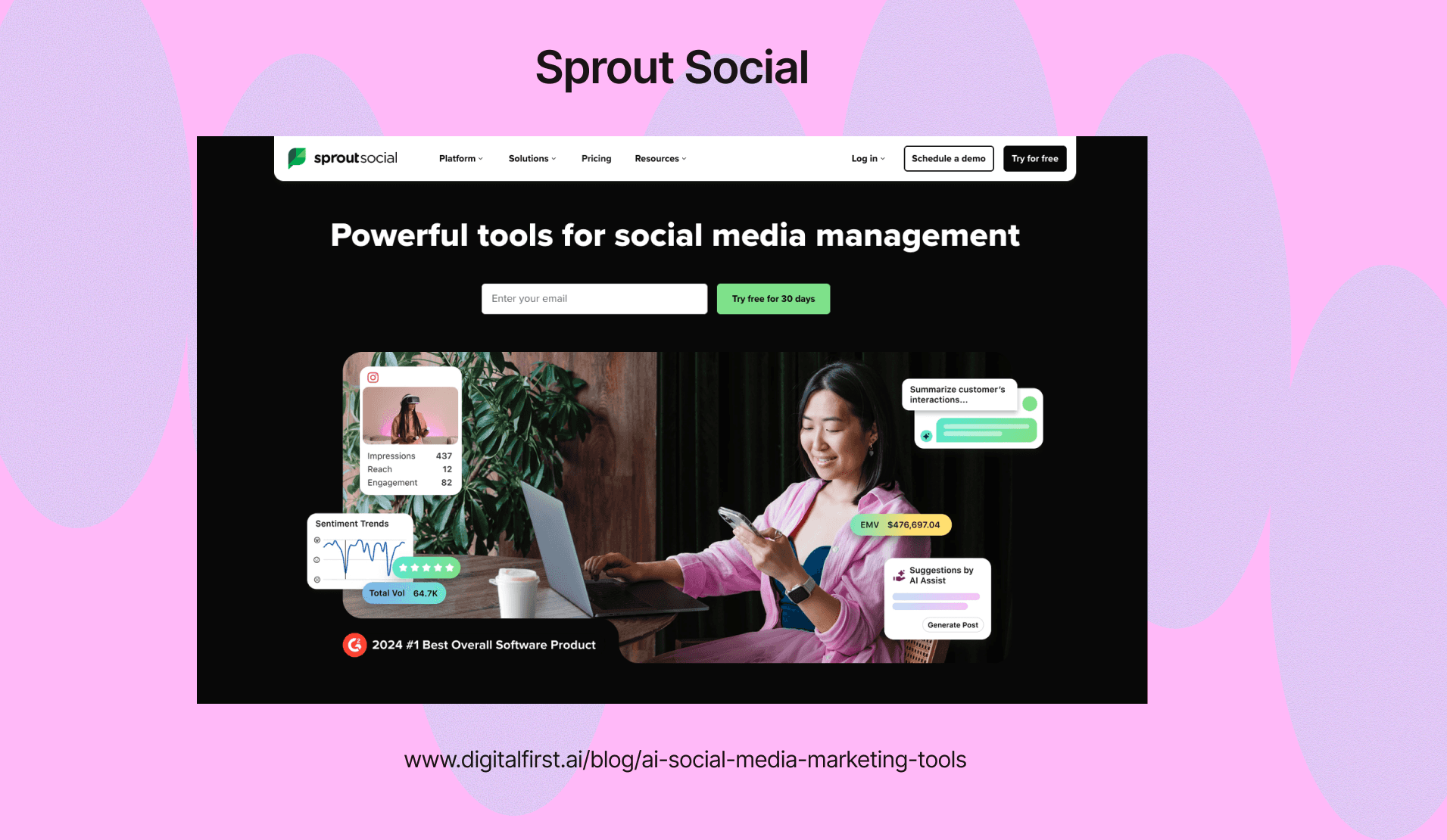
Sprout Social offers AI-powered sentiment analysis that helps large teams understand how audiences feel about their brand. The platform uses machine learning to tag messages automatically and identify trends in customer conversations.
You get deep analytics that track engagement across all your social channels in one dashboard. The AI listening tools monitor brand mentions and competitor activity in real time.
Sprout Social works well for companies managing multiple accounts and team members. The CRM features let you track customer relationships and respond to messages faster.
Key Features:
Smart inbox with AI message tagging
Advanced reporting with sentiment tracking
Team collaboration and workflow management
Social listening across platforms
Pricing starts at $249 per month, which makes it better suited for medium to large businesses with substantial social media budgets.
Hootsuite – Best for Multi-Channel Campaign Management
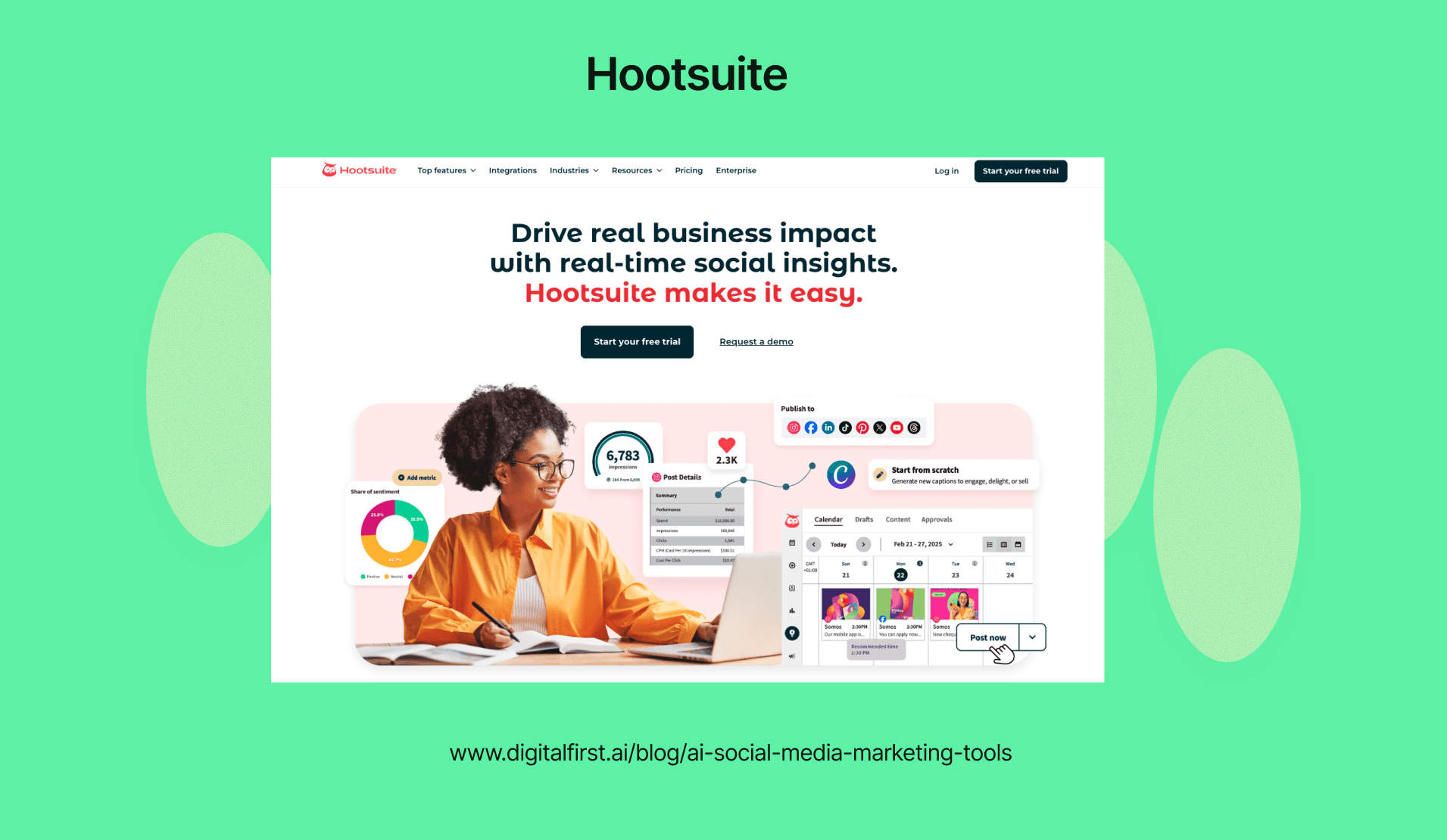
Hootsuite includes AI scheduling suggestions that predict the best times to post based on your audience behavior. You can manage Facebook, Instagram, Twitter, LinkedIn, and other platforms from a single dashboard.
The platform recommends content ideas using AI and measures campaign performance across all channels. This helps you understand what content works best on each platform.
Hootsuite's analytics show you detailed metrics about reach, engagement, and conversions. The AI tools analyze past performance to guide your future content strategy.
What You Can Do:
Schedule posts across multiple social networks
Get AI-powered best time recommendations
Track campaign performance with detailed analytics
Manage multiple client accounts from one place
Plans start at $99 per month. The platform offers enterprise-grade features that work well for agencies and large marketing teams.
Buffer – Best AI Tool for Scheduling Optimization
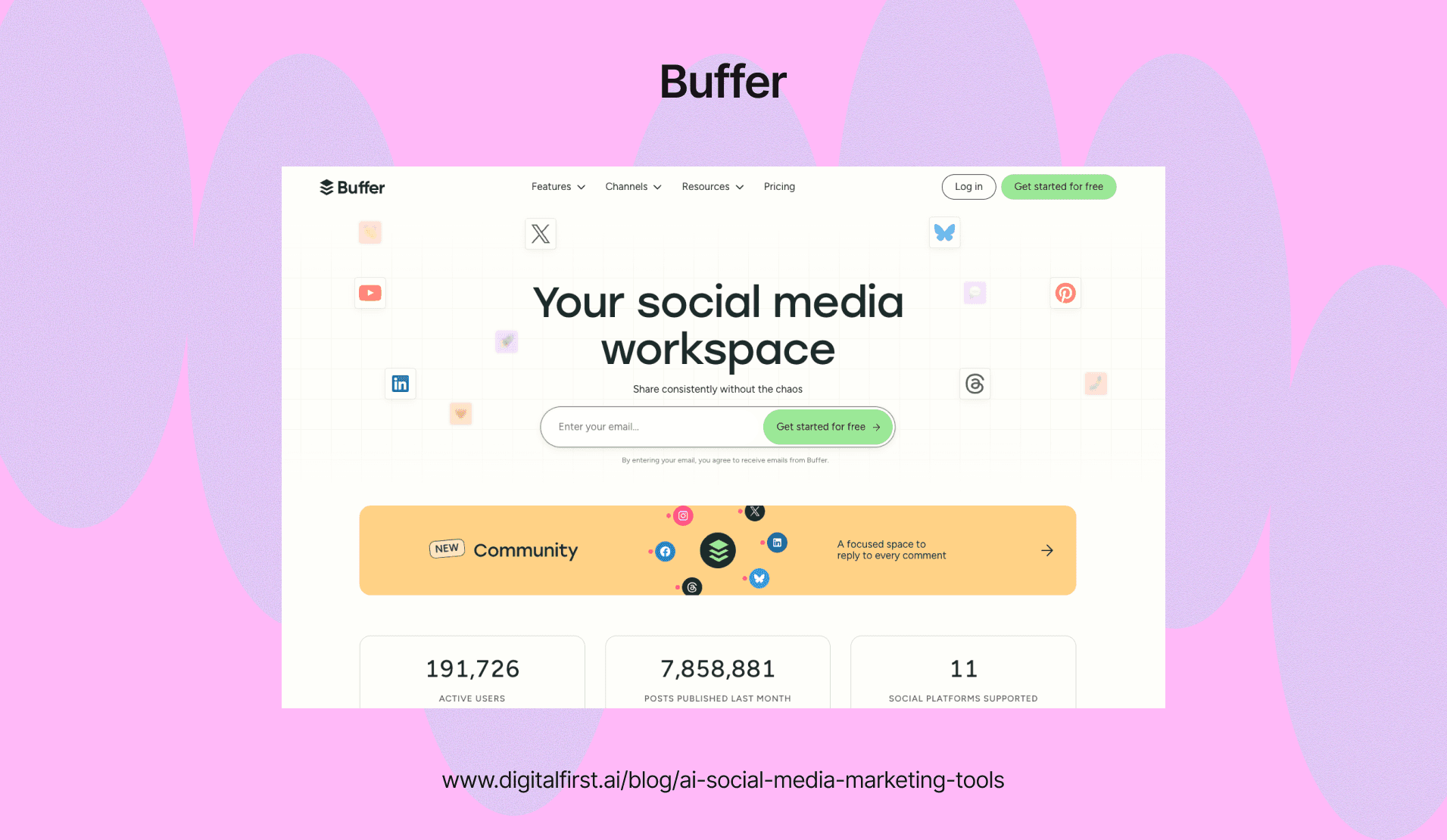
Buffer's AI Assistant generates post captions and suggests optimal posting times to maximize your reach. The platform makes social media planning simpler for small teams and solo marketers.
You can use the free plan to test the AI features before upgrading. The AI caption generator creates engaging text based on your topic or link.
Buffer analyzes your posting history to recommend when your audience is most active. The queue system automatically spaces out your posts throughout the day.
Main Benefits:
AI-generated captions and post ideas
Smart scheduling recommendations
Visual content calendar
Team collaboration tools
The beginner-friendly interface makes it easy to start scheduling posts within minutes. Paid plans begin at affordable rates for small businesses and creators.
Flick – Best AI Copilot for Instagram & TikTok Marketing
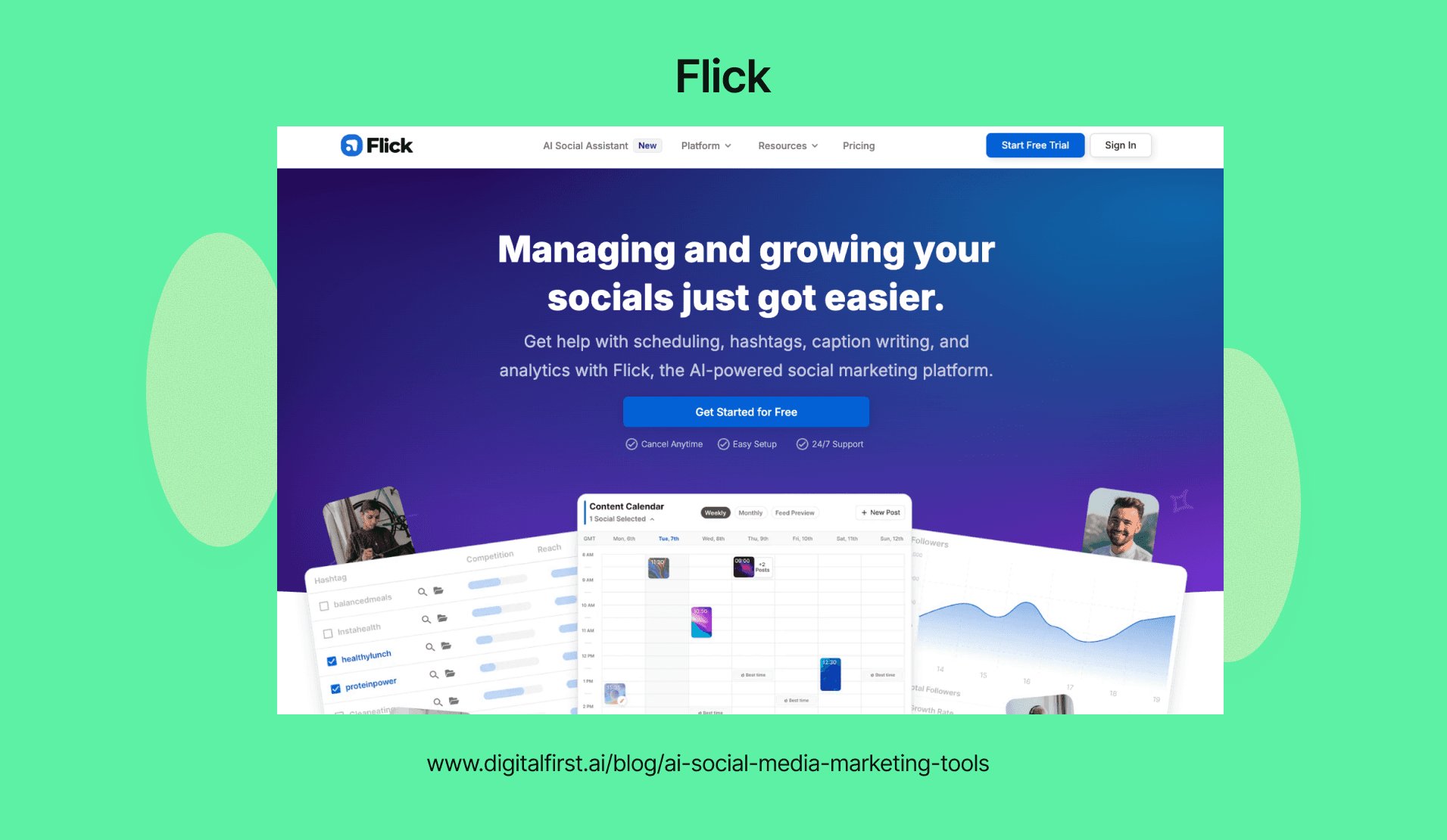
Flick specializes in Instagram growth with AI-powered hashtag research and caption writing. The platform suggests hashtags based on your niche and tracks which ones drive the most engagement.
The AI copilot helps you brainstorm content ideas when you're stuck. You type in a topic and get multiple caption options with relevant hashtags.
Flick analyzes hashtag performance so you know which tags reach your target audience. The tool also suggests content topics based on what's trending in your industry.
Core Features:
Smart hashtag suggestions with analytics
AI caption generator for posts and stories
Content idea brainstorming assistant
Performance tracking for hashtags
Plans start at $11 per month. The platform focuses mainly on Instagram and TikTok, making it ideal for creators and brands building their presence on these visual platforms.
ContentStudio – Best for Content Discovery & Curation
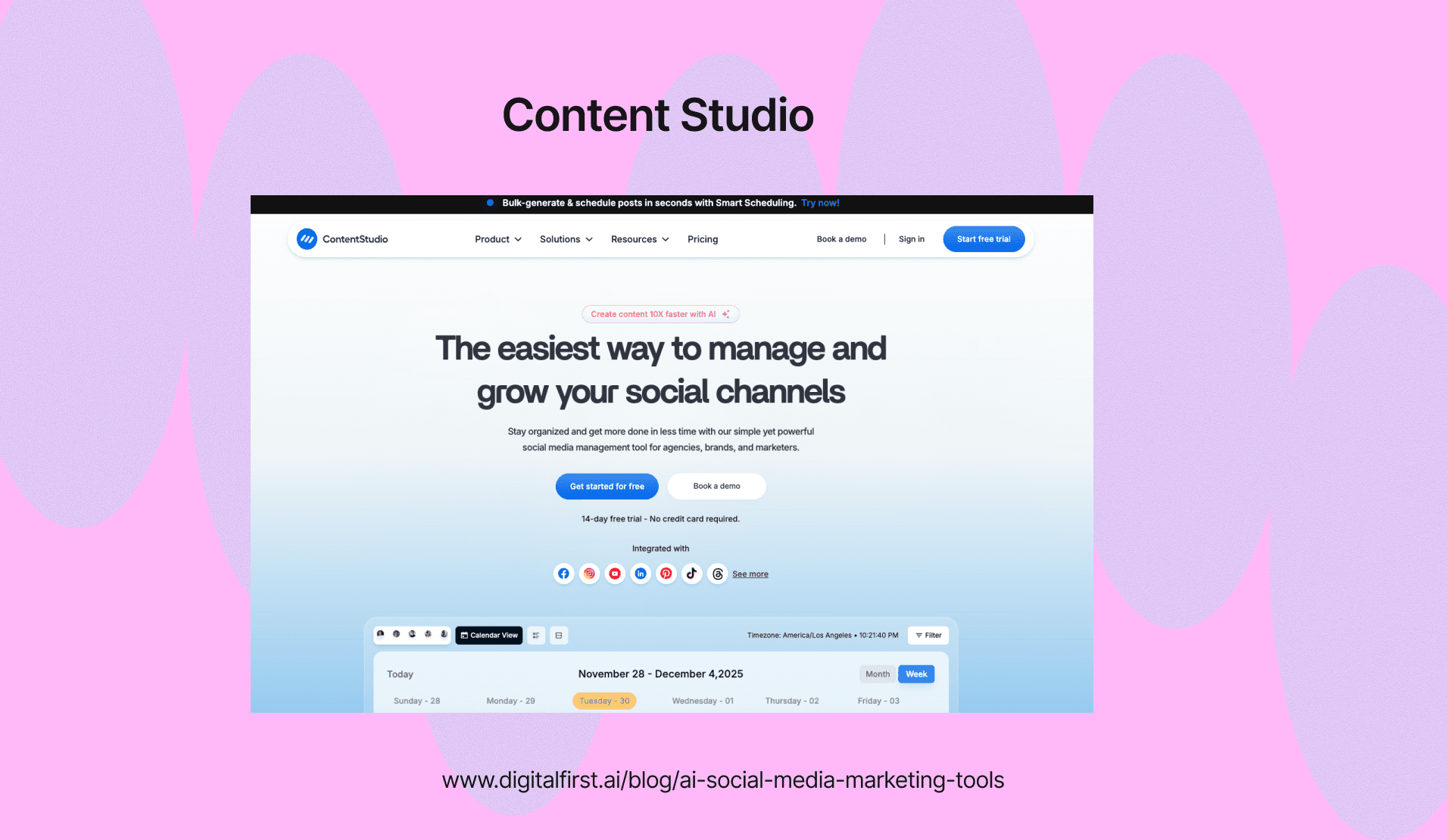
ContentStudio uses AI to find trending content in your industry that you can share or repurpose. The discovery engine searches millions of articles, videos, and posts to surface the most engaging content for your audience.
You can automate content curation by setting up topics you want to monitor. The AI ranks content based on engagement potential and relevance to your brand.
The platform includes scheduling tools that let you plan posts across multiple channels. You can also create custom content using the built-in composer with AI writing assistance.
What Makes It Stand Out:
AI-powered content discovery engine
Automated curation based on your topics
Multi-channel scheduling and publishing
Analytics to measure content performance
ContentStudio helps you maintain an active social presence even when you don't have time to create original content. The content repurposing features save hours by turning long-form content into social posts automatically.
Best AI Content Creation Tools for Social Media
AI Writing & Copywriting Tools
AI copywriting tools use artificial intelligence to generate and improve written content for social media posts, captions, and advertisements. These platforms help you create on-brand messaging faster while maintaining quality across different social channels.
ChatGPT for Social Media: Captions, Hashtags & Post Ideas
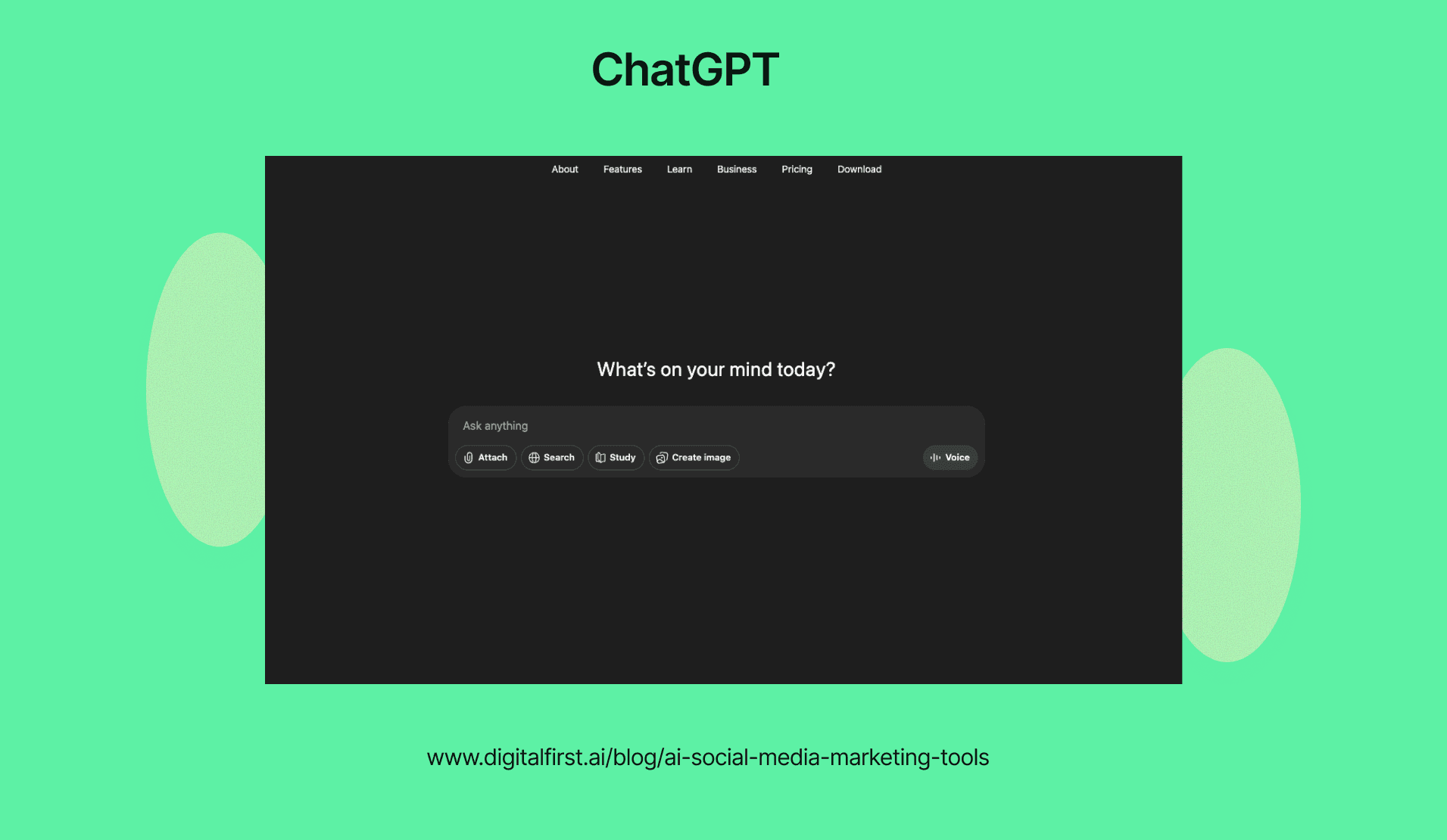
ChatGPT helps you generate social media content by creating captions, suggesting relevant hashtags, and brainstorming post concepts. You can ask it to write in different tones or formats based on your brand needs. Check out our comprehensive ChatGPT prompts for marketing guide for specific examples.
The tool works well for quick content generation when you're stuck or need multiple variations of the same message. You can request specific character counts for Twitter or ask for emoji suggestions to make posts more engaging.
ChatGPT adapts to your prompts, so the more specific you are about your audience and goals, the better results you'll get. It's free to use, making it accessible for small businesses and solo creators.
The main challenge is that it doesn't automatically match your brand voice. You'll need to provide examples or detailed instructions each time you use it. For deeper guidance, see our complete guide on AI content marketing tools.
Jasper AI – Best for Brand Voice Consistency
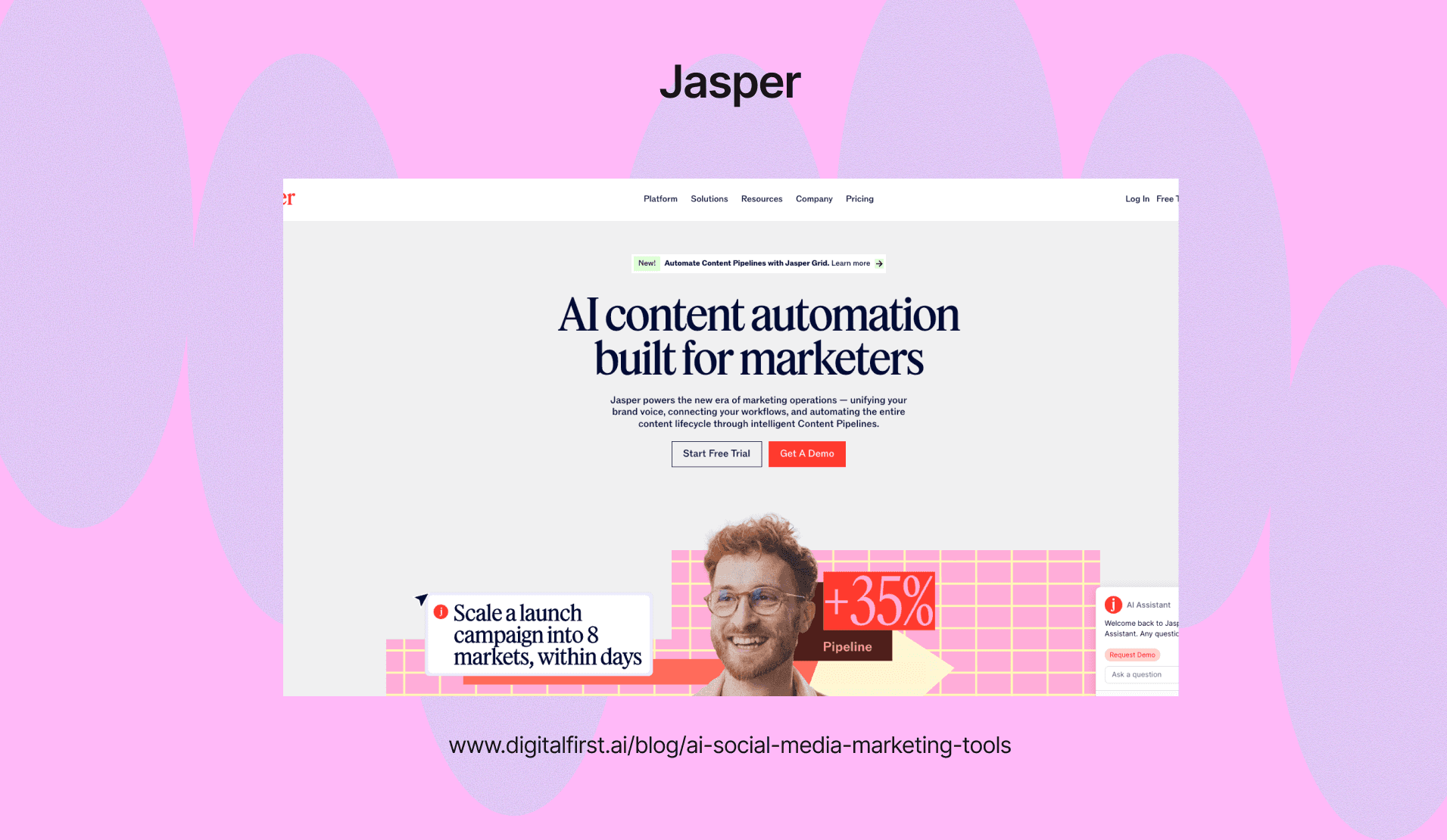
Jasper AI is designed for marketing teams who need to produce consistent social media content at scale. The platform learns your brand voice and applies it across all the content it creates.
Key features include:
90+ pre-built templates for different social platforms
Brand voice training that remembers your style
Content customization for Instagram, LinkedIn, Facebook, and Twitter
Team collaboration tools for agencies and larger marketing departments
You can train Jasper on your existing content to match your tone, style, and messaging guidelines. This saves time because you won't need to rewrite everything the AI generates.
The platform costs more than other options, but it's worth it if you manage multiple brands or need to maintain strict brand standards. Your team can work together in the platform to review and approve content before publishing.
Copy.ai – Budget-Friendly AI Writing Assistant
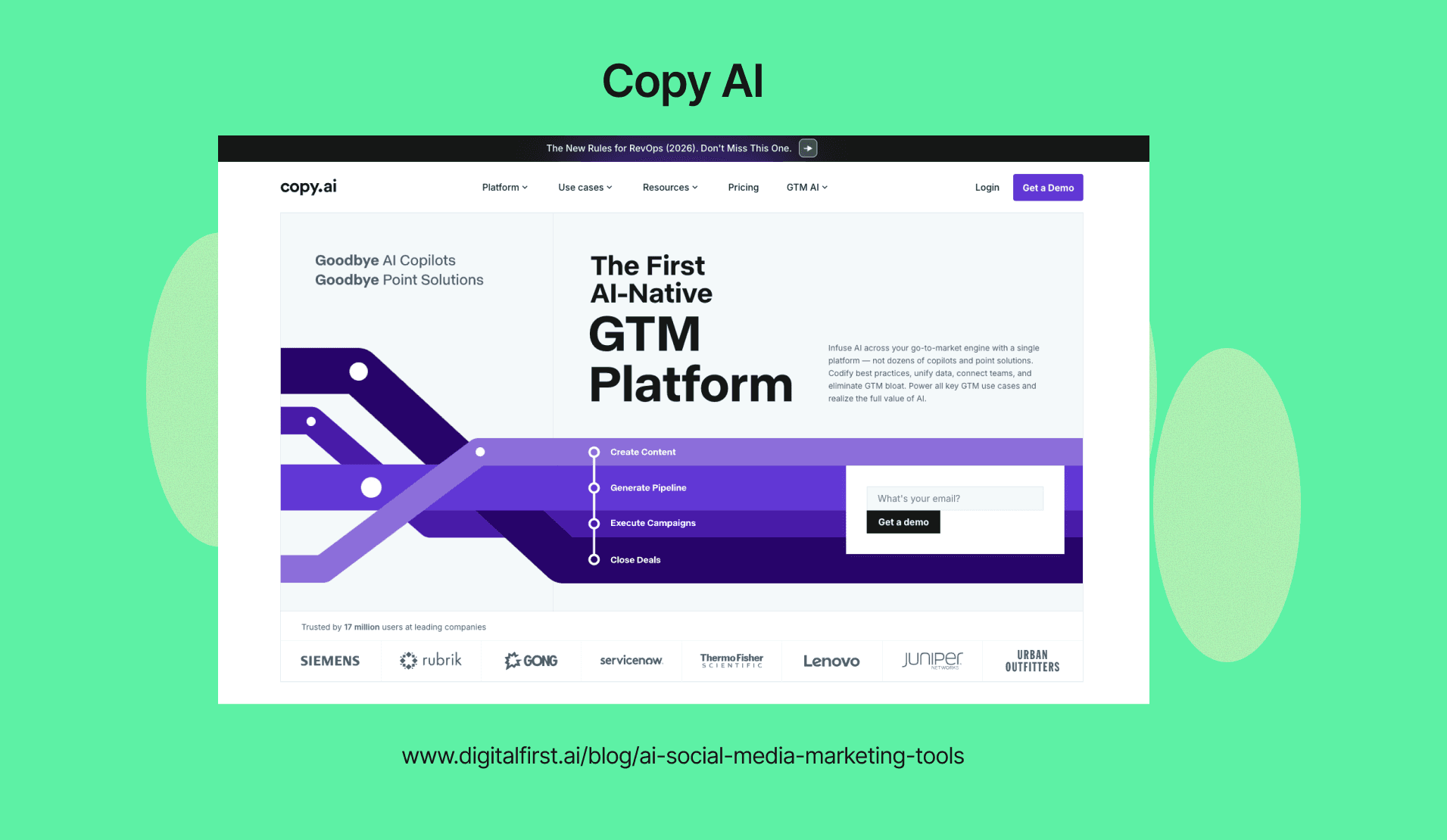
Copy.ai offers an affordable option for creating social media copy without spending much money. The platform provides templates specifically designed for social posts, ad copy, and engagement-focused content.
You can generate multiple variations of the same post to test different approaches. The tool includes templates for product descriptions, promotional posts, and community engagement content.
Copy.ai works best when you give it clear inputs about your product, target audience, and desired outcome. It produces decent first drafts that you can edit to match your specific needs.
The free plan lets you try the platform before committing to a paid subscription. While it's not as advanced as higher-priced tools, it handles basic copywriting tasks well enough for most small businesses and startups.
Writesonic – SEO-Optimized Social Media Copy
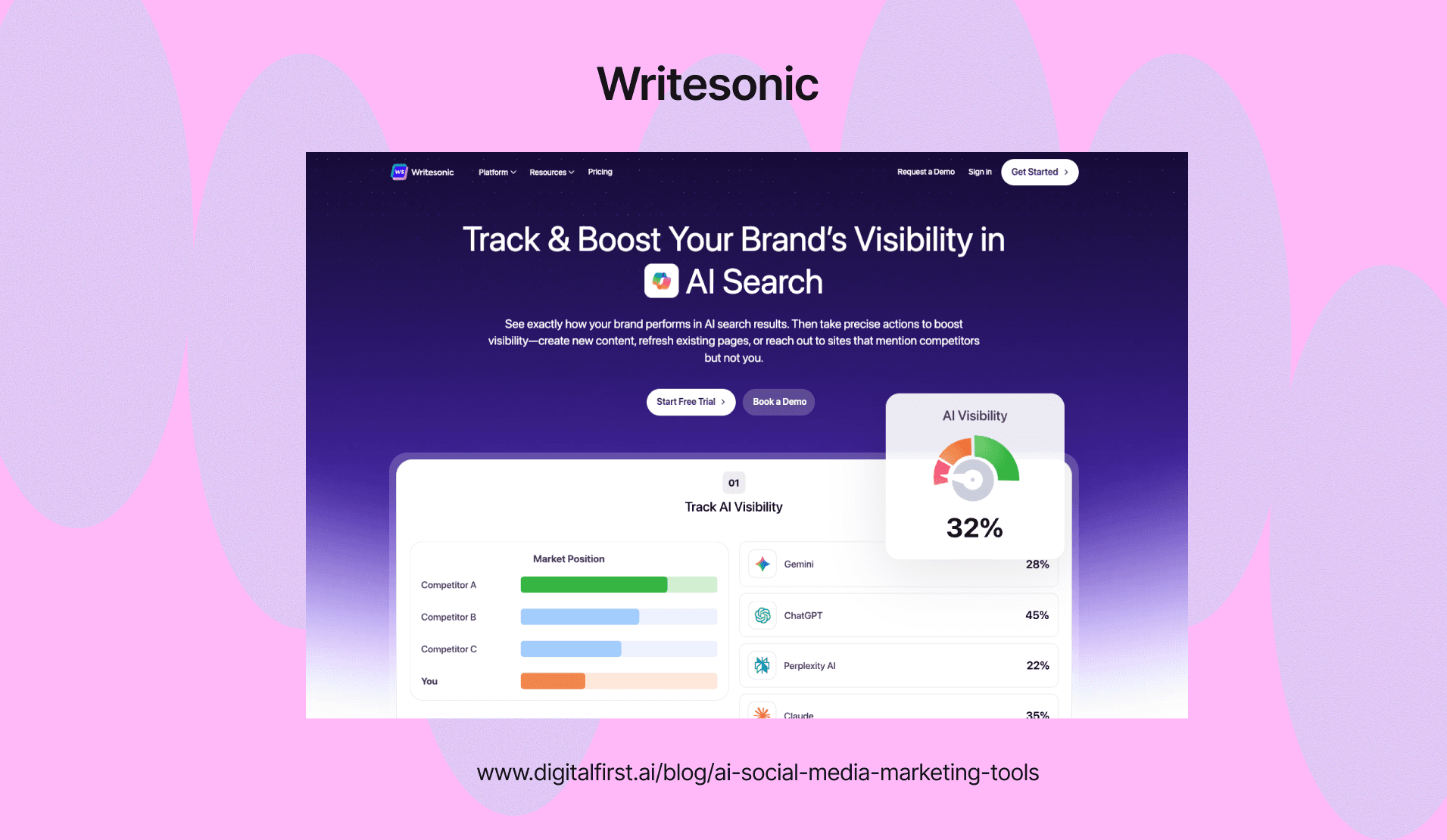
Writesonic creates social media copy while considering search and discovery factors. The platform helps you write posts that perform well in platform algorithms and social search features.
It generates content optimized for engagement and visibility across different social networks. You can create captions that include relevant keywords without sounding forced or unnatural.
The tool offers specific templates for different post types like product launches, announcements, and educational content. It also suggests improvements to make your copy more compelling and action-oriented.
Writesonic includes a Chrome extension that lets you generate copy directly while working in other platforms. This feature speeds up your workflow when you're scheduling posts or responding to comments across multiple channels.
DFIRST AI - Best for Copywriting & Content Writing
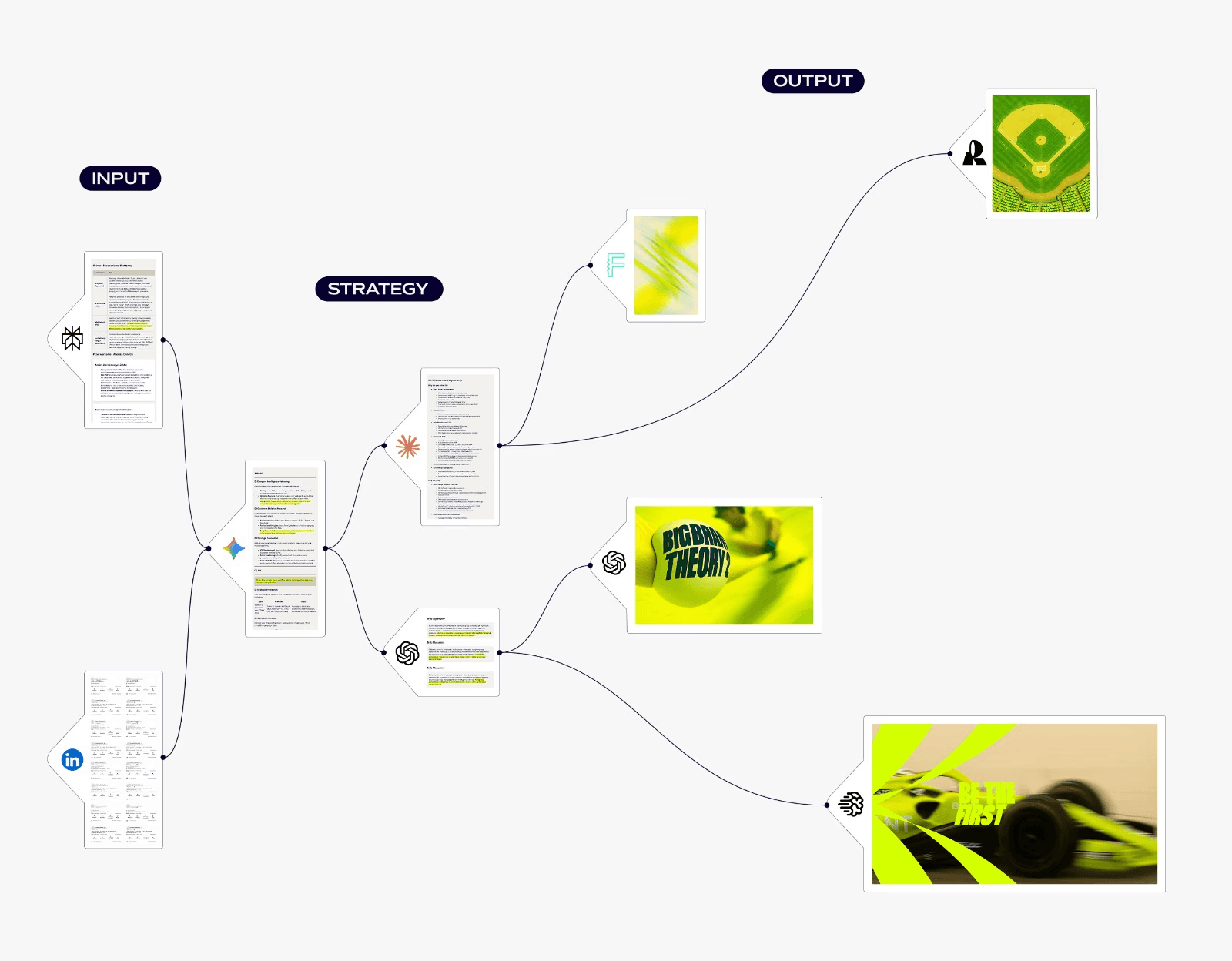
DFIRST AI brings all your AI content marketing tools together on one visual canvas. You can connect different AI models and data sources without switching between apps. This makes your workflow faster and keeps your content organized.
The platform works like a flowchart where you drag and drop nodes to build your content process. You might start with a research node that pulls competitor data, then connect it to a writing node that uses GPT-4 or Claude. Each piece feeds into the next automatically.
Key Features for Social Media
Generate multiple posts for LinkedIn, Twitter, and Instagram using pre-built templates
Create A/B test variations of headlines and ad copy at the same time
Pull data from competitor websites to back up your claims with real information
Upload your brand guidelines so every output matches your tone
Your style guide lives in the Data Room. When you upload it, every AI model you use will follow those rules. This keeps your brand voice consistent whether you're writing a quick tweet or a full article.
The canvas approach helps when you need to create social media content across multiple platforms. You can map out entire campaigns visually and see how each piece connects. It's especially useful for teams who need to coordinate on larger projects without losing track of individual assets.
AI Graphic Design & Visual Content Tools
Visual content drives engagement on social media, and AI design tools help you create professional graphics, carousels, and videos without design experience. These platforms use AI to generate images from text, suggest layouts, and create branded content in seconds.
Canva – Best AI Design Tool for Social Media Marketing Teams
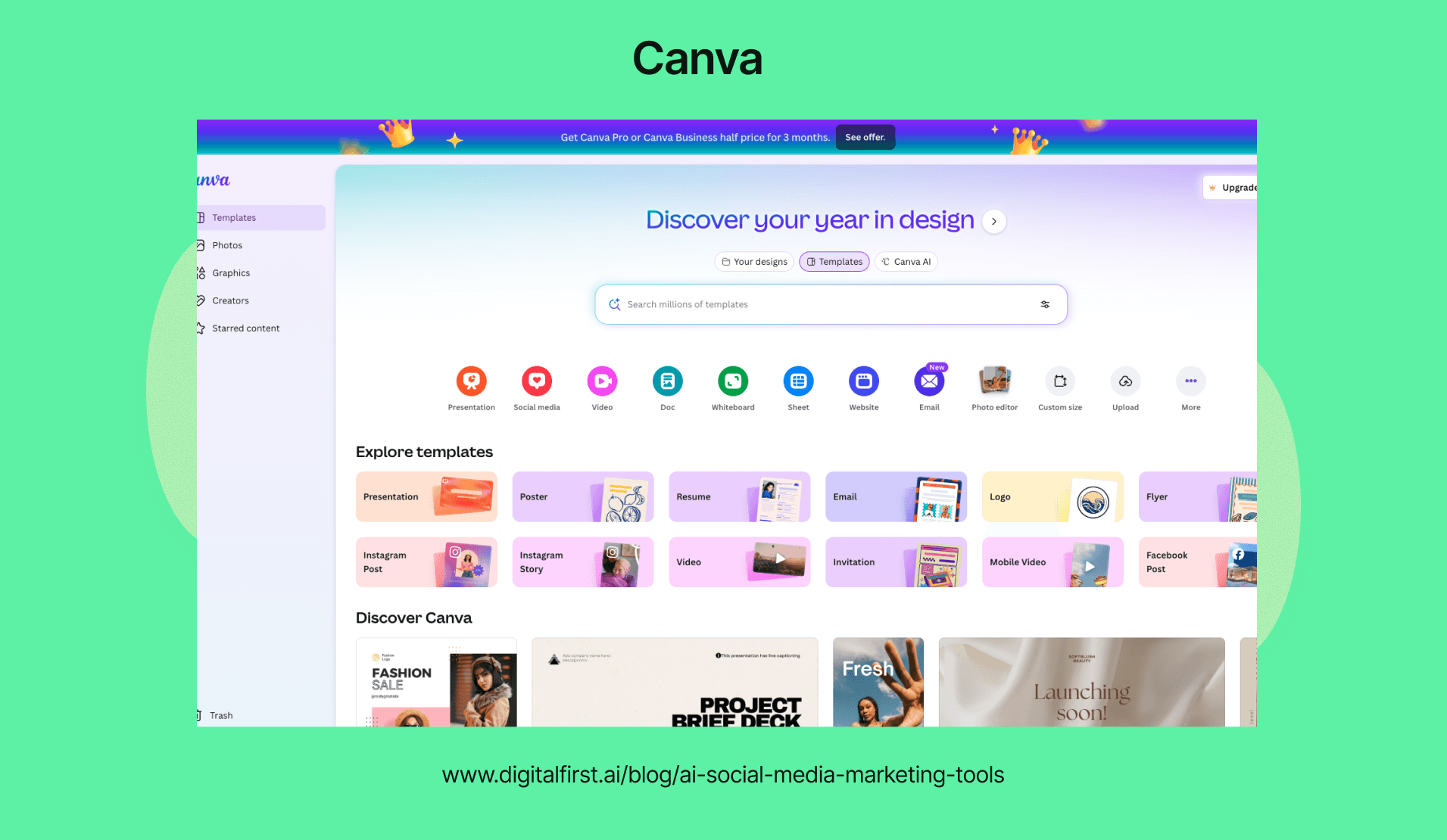
Canva's Magic Studio brings AI-powered features to your design workflow. You can turn text prompts into custom images, remove backgrounds instantly, and generate captions with Magic Write.
The platform offers over 250,000 templates designed for every social media platform. You'll find ready-made layouts for Instagram posts, Facebook ads, LinkedIn graphics, and TikTok videos.
Magic Write helps you create AI-generated captions and copy directly in your designs. Just describe what you need, and the AI writes it for you. You can also use text-to-image generation to create unique visuals when stock photos don't fit your brand.
The drag-and-drop editor makes editing simple even if you've never designed before. Your team can collaborate in real-time, share brand kits, and maintain consistent visuals across all channels.
Key features:
AI image generation from text descriptions
Background removal and image enhancement
Brand kit with fonts, colors, and logos
Video editing with transitions and effects
Content scheduler for direct publishing
Predis.ai – AI-Powered Carousel & Reel Creator
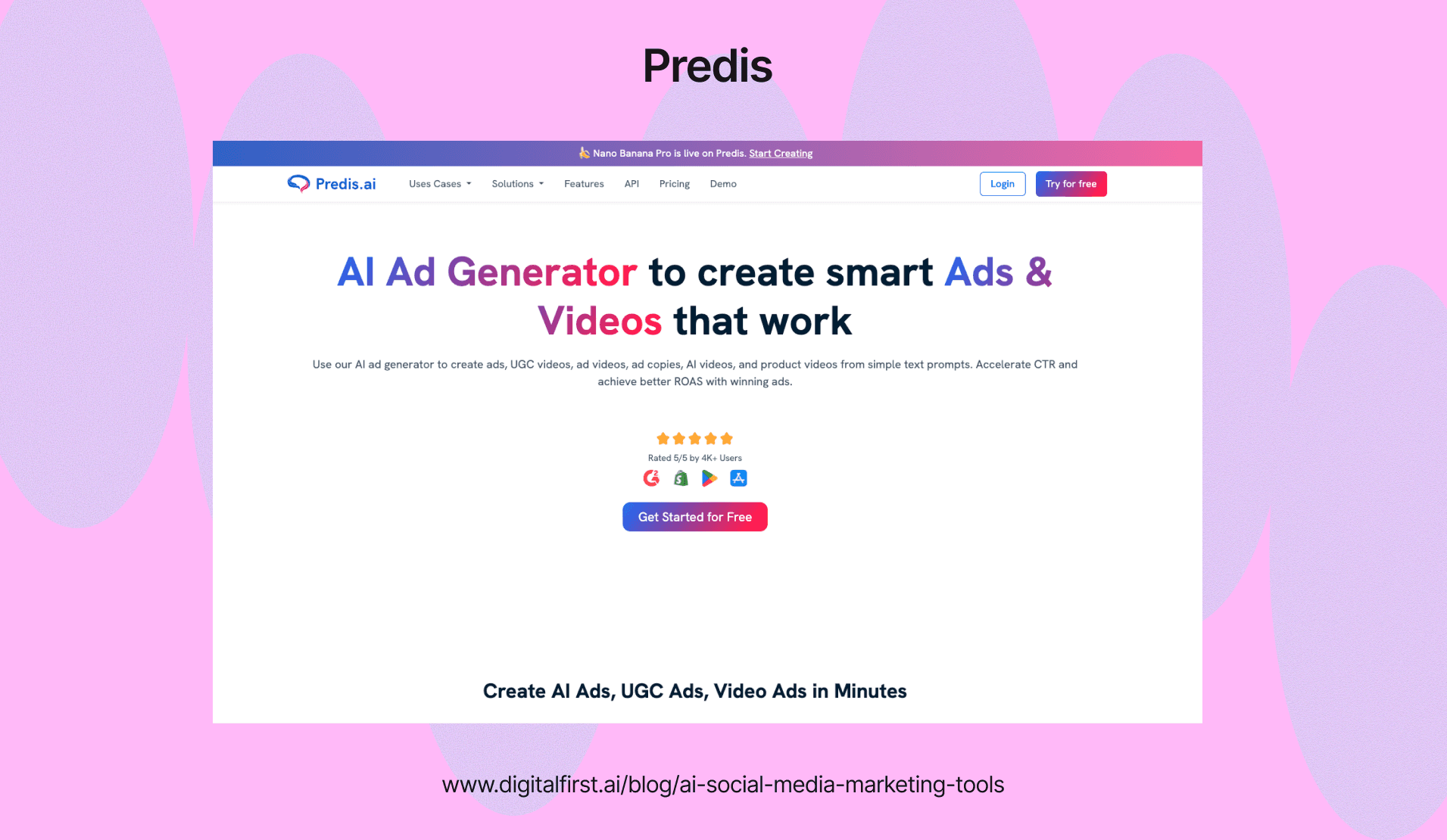
Predis.ai specializes in creating AI-generated social media posts including carousels and short videos. You type what you want to promote, and the tool designs complete posts with graphics and captions.
The platform works well for e-commerce stores and small businesses that need product-focused content. It creates multi-slide carousels that showcase features, benefits, or step-by-step guides.
You can customize the AI-generated designs with your brand colors and fonts. The tool also suggests trending formats based on your industry and goals.
What makes it useful:
Generates complete posts from simple text prompts
Creates Instagram carousels and Reels automatically
Includes scheduling and publishing features
Offers brand customization options
Works across multiple platforms
Publer – Text-to-Image Post Generator
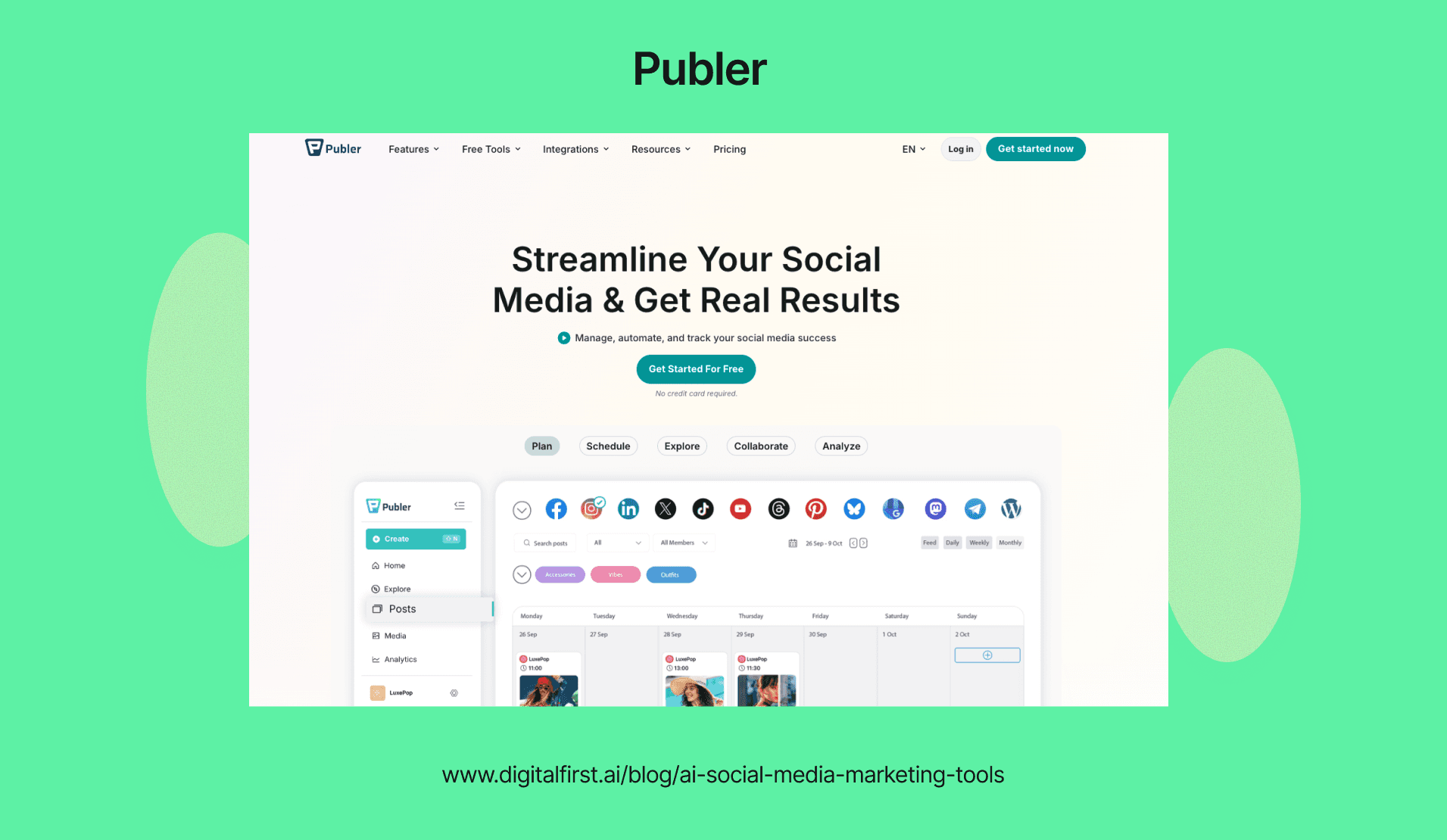
Publer combines AI image creation with social media scheduling. You can generate graphics from text descriptions and schedule them across your accounts from one dashboard.
The text-to-image feature lets you create unique visuals without using stock photos. Type your description, choose a style, and the AI generates the image. This helps when you need custom graphics that match specific campaign messages.
You can manage multiple social accounts and schedule posts in advance. The platform supports bulk scheduling, which saves time when planning content calendars.
DFIRST AI - Best for Ad Creatives, Visual Design & Editing
DFIRST AI replaces your scattered creative tools with a single connected workspace. You can build campaigns on a visual canvas where each step flows into the next without switching platforms.
The drag-and-drop interface lets you connect different AI models together. You might link a text generator to an image creator to produce multiple ad versions from one campaign brief.
Key Features for Creative Work:
Connected workflows - Your research data feeds directly into image generation so ads match your strategy
Multiple AI models - Access GPT, Claude, Stable Diffusion, and other tools in one place
Batch creation - Generate dozens of ad variations quickly for A/B testing
Template library - Turn written content into video scripts and storyboards automatically
You can use a research node to analyze competitor ads, then feed those insights into your design tools. This helps you create variations that are based on real market data instead of guesswork.
The platform works well when you need to test different creative angles across Meta or LinkedIn campaigns. Instead of manually creating each version, you set up your workflow once and let the system generate the variations.
DFIRST AI acts like a full marketing team by handling research, design, and optimization in one place. You save time by keeping all your creative production in a single tool rather than juggling multiple subscriptions.
AI Video Creation Tools For Social Media
Video tools powered by AI help you create professional content without filming or advanced editing skills. These platforms generate videos from text, repurpose long content into clips, and add effects automatically to save hours of manual work.
Synthesia – AI Avatar Video Generator
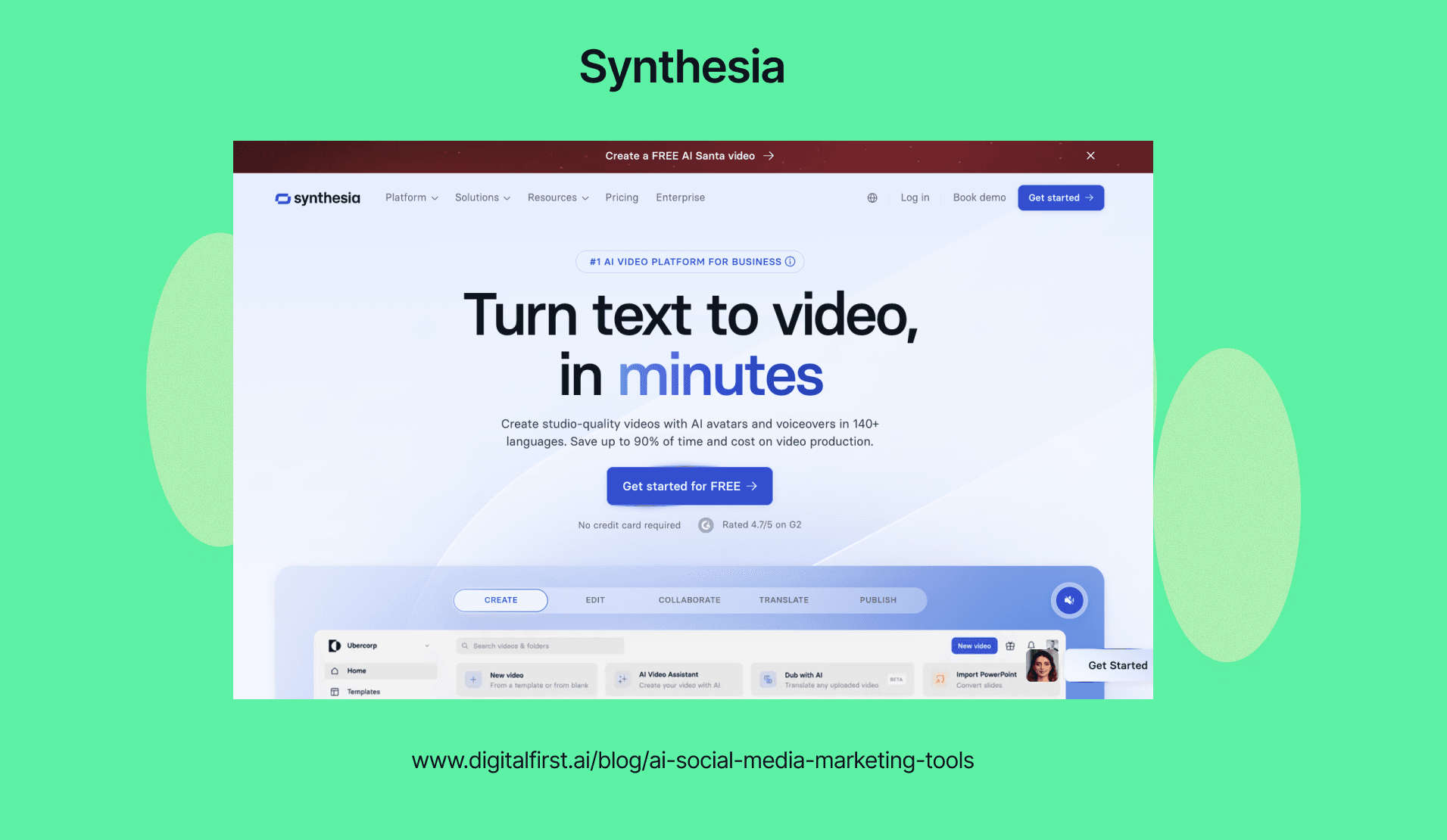
Synthesia lets you create videos with AI avatars that speak your script in over 120 languages. You type your message, pick an avatar, and the platform generates a video with synchronized lip movements and natural voice.
This tool works well for explainer videos, product demos, and training content. You don't need cameras, actors, or a studio to produce professional-looking videos for LinkedIn or Instagram.
The platform includes a library of templates designed for social media formats. You can customize backgrounds, add your brand colors, and insert text overlays to match your style.
Pricing starts at $22 per month for the starter plan. The free trial lets you test the platform with limited credits before committing to a subscription.
Lumen5 – Turn Blog Posts into Social Videos
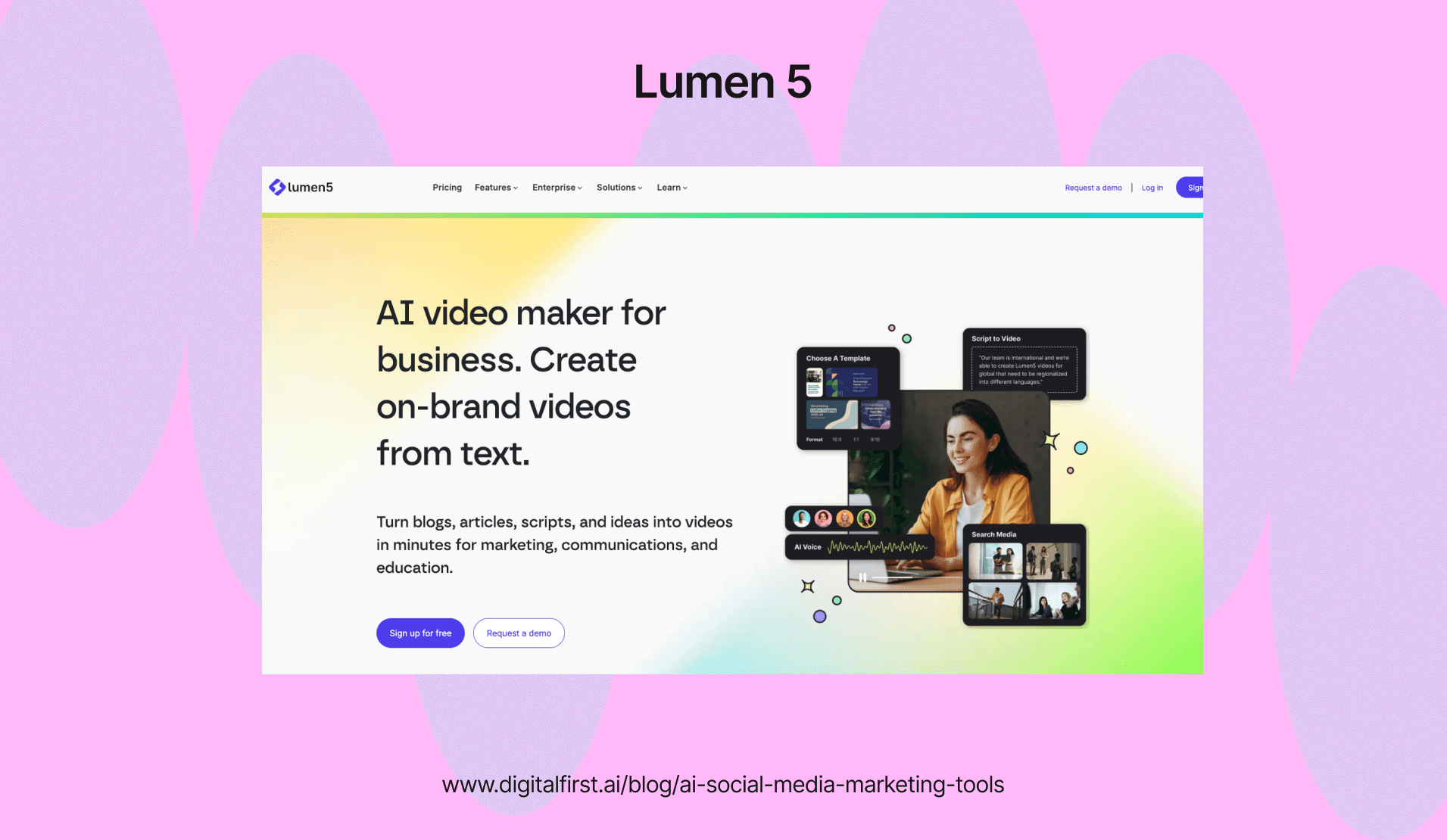
Lumen5 transforms written content into videos by analyzing your text and matching it with relevant stock footage. You paste a blog post URL or article text, and the AI breaks it into scenes with visuals and captions.
The platform pulls images and video clips from its media library based on your content's keywords. You can swap clips, adjust timing, and edit text to fine-tune the final video.
This tool saves time for marketers who want to repurpose existing content. A single blog post can become multiple social videos for different platforms without starting from scratch.
Lumen5 offers a free plan with watermarked videos. Paid plans start at $19 per month and remove watermarks while unlocking premium stock footage and higher resolution exports.
OpusClip – AI Video Editor for Short-Form Content
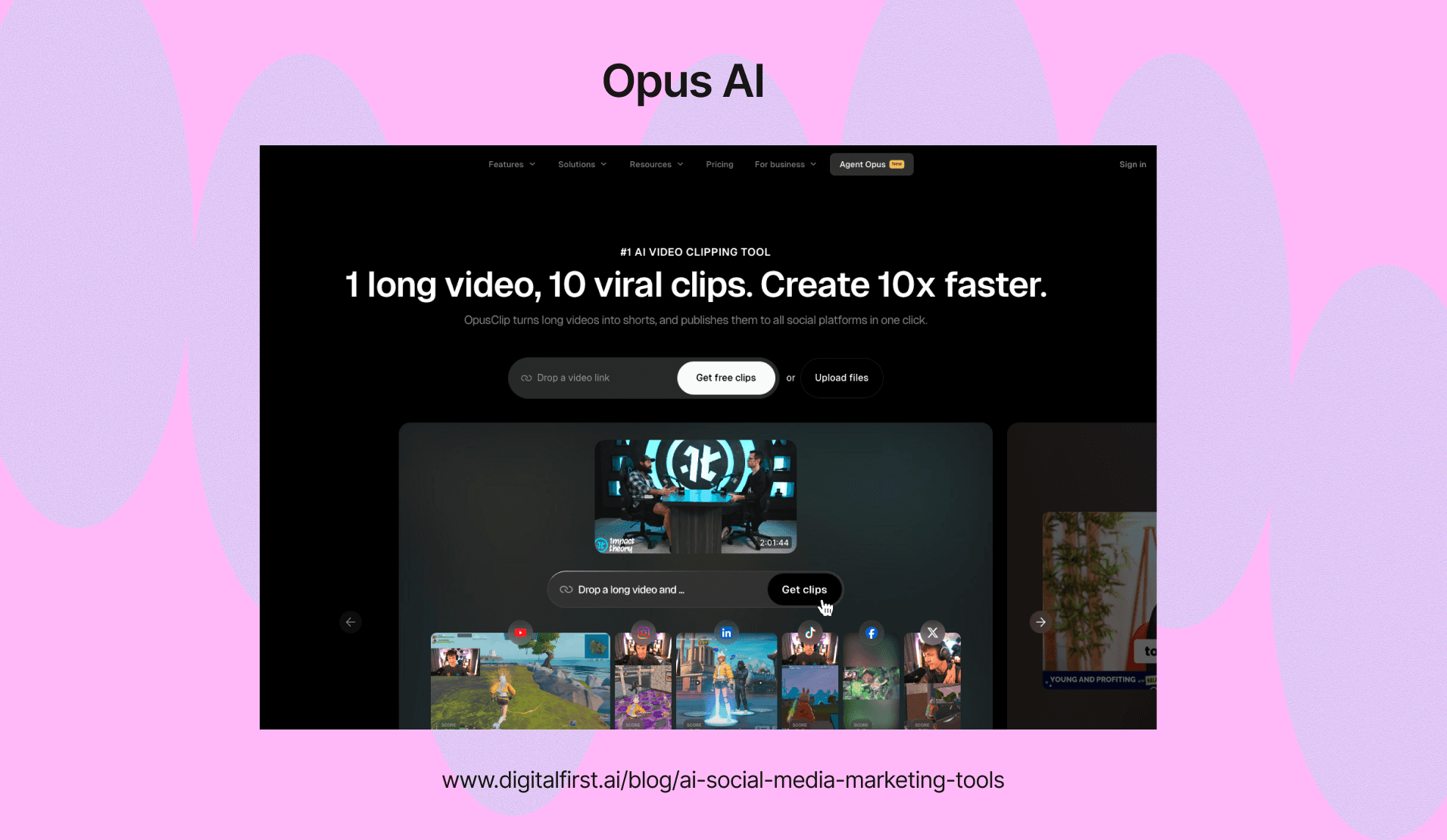
OpusClip analyzes long videos and automatically extracts the most engaging segments for short clips. The AI identifies hooks, key moments, and complete thoughts to create standalone videos ready for TikTok, Reels, or Shorts.
You upload a long video, and OpusClip generates multiple clips with captions, transitions, and optimized framing. Each clip includes a virality score that predicts its potential performance based on engagement patterns.
The tool handles the tedious work of reviewing footage and cutting clips manually. Content creators can turn one podcast episode or webinar into dozens of social posts in minutes.
The platform offers a free plan with 60 minutes of processing time per month. Pro plans start at $9 per month and include unlimited clips with advanced editing features.
CapCut – AI-Powered Video Editing for TikTok & Reels
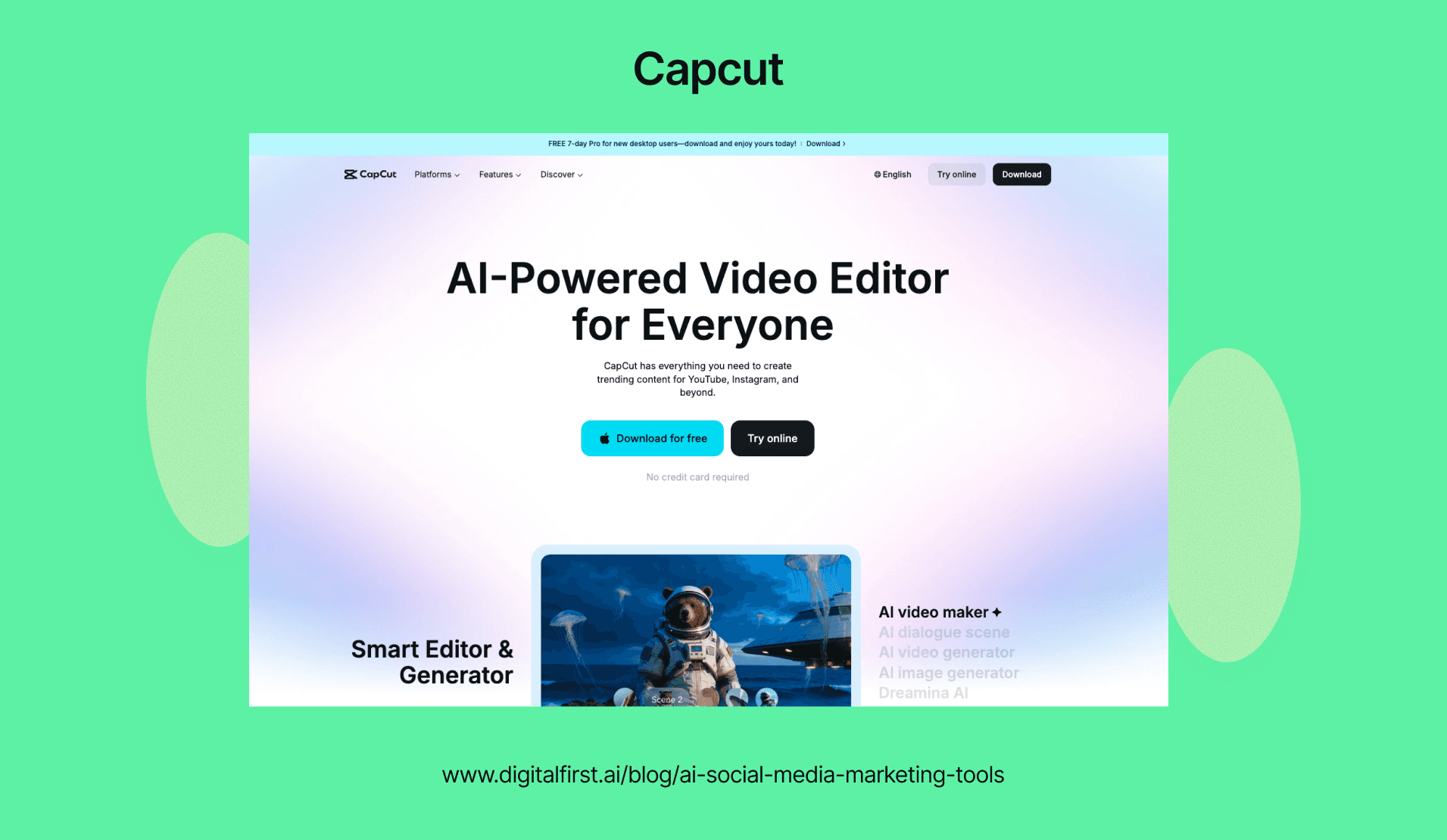
CapCut provides mobile and desktop editing with AI features built for social media creators. The app includes auto-captions, background removal, and smart transitions that adjust to your video's rhythm.
The AI caption tool transcribes speech and adds animated text automatically. You can choose from dozens of caption styles that follow trending formats on TikTok and Instagram.
CapCut's template library includes viral effects and transitions. You drop your clips into a template, and the AI adjusts timing and effects to match the beat of your background music.
The basic version is free with full access to AI features. The pro version costs $7.99 per month and adds more stock assets, removes watermarks, and provides cloud storage for projects.
DFIRST AI - Best for Video Production & Editing
Video production often means juggling multiple apps at once. You might write scripts in one tool, create visuals in another, and edit everything in a third app. DFIRST AI solves this problem by putting everything on one visual canvas.
You can connect different tools into a single workflow using drag-and-drop nodes. This means you can link research directly to scriptwriting, then to video creation, so information flows between steps automatically.
Key features include:
Visual workflow builder - Connect nodes on a canvas to build your production pipeline from research to final render
Multiple AI models - Access models like VEO-3 and Sora for high-quality video generation
Built-in editor - Make changes to your videos without switching to another app
Brand storage - Upload your brand guidelines and assets so the AI keeps your videos consistent
The platform works well for creating social media ads and product videos. You can start with a text prompt or image and turn it into a finished commercial.
For paid campaigns, you can create multiple video versions for A/B testing on Meta Ads or LinkedIn Ads. The built-in research tools let you analyze what competitors are doing before you start production.
Your brand assets stay in what they call a Data Room. The AI references these files when generating new videos to match your style. This keeps all your content on-brand without manual review of every detail.
AI Tools For Social Media Analytics & Reporting
AI analytics tools help you measure campaign performance, understand audience sentiment, and track your marketing ROI with automated reporting. These platforms use machine learning to predict trends and compare your results against competitors.
Predictive Analytics for Social Media Performance
Predictive analytics uses AI to forecast which content will perform best before you publish it. The technology analyzes your past posts, engagement patterns, and audience behavior to recommend optimal posting times and content types.
AI social media analytics tools now offer predictive features that help you plan your content calendar based on expected engagement rates. You can see projected reach, clicks, and conversions before you schedule a post.
These tools examine factors like:
Historical engagement data from your accounts
Trending topics in your industry
Audience activity patterns by day and time
Content format performance (video, images, carousels)
Most platforms show confidence scores for their predictions. This helps you decide which content ideas to prioritize and which to adjust before publishing.
Sentiment Analysis & Brand Monitoring Tools
Sentiment analysis tools scan social media conversations to determine whether people feel positive, negative, or neutral about your brand. AI analyzes text, emojis, and context to understand the emotion behind each mention.
Tools that track brand mentions monitor thousands of conversations across multiple platforms in real-time. You get alerts when sentiment shifts dramatically or when a potential crisis emerges.
The technology goes beyond simple keyword matching. It understands sarcasm, slang, and language variations across different regions.
You can track sentiment for specific campaigns, products, or topics. This shows you how your audience reacts to new launches or marketing messages. The data helps you respond quickly to negative feedback and amplify positive conversations.
Competitor Analysis & Benchmarking
AI competitor analysis tools track your rivals' social media performance automatically. You can see their engagement rates, content strategies, and audience growth without manually checking each profile.
These platforms compare your metrics against industry averages and specific competitors. You'll know where you're outperforming others and where you need improvement.
Key metrics you can benchmark:
Metric | What It Shows |
Engagement rate | How actively audiences interact with content |
Share of voice | Your brand mentions vs. competitors |
Follower growth | Audience expansion over time |
Content frequency | Posting volume and consistency |
The tools identify which competitor content gets the most engagement. You can adapt successful strategies to your own brand while maintaining your unique voice.
ROI Tracking & Attribution Modeling
AI analytics platforms connect your social media activity to actual business results. You can track how many leads, sales, or conversions came from each platform and optimize your conversion funnels accordingly.
Attribution modeling shows the complete customer journey. It reveals which touchpoints contributed to a conversion, not just the last click. This helps you understand how social media fits into your broader marketing strategy.
The technology assigns value to each interaction. You might discover that Twitter drives initial awareness while Instagram closes sales. This information helps you allocate your budget more effectively.
Most tools integrate with your CRM and e-commerce platforms. This creates automated reports showing revenue generated from social media efforts. You can calculate cost per acquisition and compare it across different campaigns or platforms.
Best AI Tools For Instagram Marketing
Instagram needs specialized AI tools that handle captions, hashtags, and visual content creation. These tools help you post consistently while keeping your brand voice strong across different content formats.
Instagram Caption Generators
DFIRST creates Instagram captions that match your brand voice while following engagement patterns. The tool learns from your feedback and adjusts its output based on what works with your audience.
You can use Jasper to write daily content without sounding repetitive. A restaurant could generate fresh descriptions for menu items that follow proven engagement patterns.
Predis.ai builds complete posts with captions designed around psychological triggers. The platform analyzes successful posts to find patterns in caption structure, length, and tone that connect with specific audience types.
The tool helps you combine product benefits with emotional content and clear calls-to-action. Beauty brands use it to create captions that speak directly to their target customers' preferences.
Instagram Hashtag Research Tools
Flick examines millions of Instagram posts to identify hashtags with the best engagement-to-competition ratio for your niche. The software tracks how hashtags perform over time so you can adjust your strategy based on data.
A yoga instructor might discover that #morningstretch drives more engagement than oversaturated options like #yogalife. This helps you reach people who actually care about your content.
RiteTag provides real-time hashtag performance data by analyzing what's trending at the exact moment you post. The tool color-codes hashtags based on their current potential instead of giving you static recommendations.
Event photographers can find trending location-based hashtags right before posting to maximize discovery. This immediate feedback helps you make quick decisions that boost visibility.
Instagram Story & Reel Creators
Lumen5 converts your written content into video formats optimized for Instagram Reels and Stories. The AI tool handles scene selection and transitions based on what drives engagement.
You can turn blog posts into short videos without editing skills. Content creators repurpose their written guides into videos that reach different audience segments on Instagram.
RunwayML uses generative AI to transform rough concepts into polished visual content. You can generate multiple visual concepts quickly before committing to final production.
Designers test different campaign ideas faster with this tool. It works as a creative partner that speeds up your experimentation process for Instagram content.
Best AI Tools For Facebook Marketing
AI tools help you create better Facebook ads and manage your community faster. These tools write ad copy that converts and handle customer messages automatically.
Facebook Ad Copy Generators
DFIRST generates multiple versions of Facebook ad copy from a single prompt. You can ask it to write headlines, body text, and calls-to-action that match your brand voice. The tool adjusts tone and length based on your campaign goals.
Jasper offers over 50 templates specifically designed for Facebook ads. You input your product details and campaign objectives, and it creates promotional content that fits Facebook's format requirements. The platform learns your brand voice to keep messaging consistent across all your ads.
Meta's AI tools built directly into Ads Manager can generate ad variations automatically. You provide basic information about your product or service, and the system creates multiple ad versions to test. This native integration saves time by keeping everything in one platform.
Facebook Community Management Tools
Hootsuite uses AI to reduce response times in your Facebook inbox. The platform suggests replies to common questions and can auto-respond to frequently asked messages. Its AI scans conversations to flag urgent comments that need your attention first.
Emplifi prioritizes Facebook messages using AI filters so you see the most important conversations first. The unified inbox handles all your Facebook interactions in one place. The system automates routine responses while letting you handle complex customer issues personally.
These AI-powered social media management platforms analyze when your audience is most active on Facebook. They schedule your posts for peak engagement times without manual tracking.
Best AI Tools For LinkedIn Marketing
LinkedIn requires professional content that builds authority and tracks performance. AI tools help you write posts that sound like industry experts and measure what your audience actually engages with.
LinkedIn Post Generators for Thought Leadership
You need posts that establish your expertise without spending hours writing. AI-powered LinkedIn tools analyze successful content in your industry and generate posts that match professional standards.
DFIRST creates LinkedIn content using templates designed for business professionals. You can set your brand voice once, and it maintains that tone across all posts. The tool costs $39 per month and works well for marketing teams managing multiple accounts.
ChatGPT with plugins gives you flexibility through prompts. You can ask it to write posts about specific topics, generate engagement hooks, or create comment responses. The Plus plan runs $20 monthly and lets you brainstorm content ideas quickly.
Buffer AI Assistant offers a free plan that generates captions and suggests hashtags for LinkedIn. It's straightforward for beginners who want AI help without complex features. The interface shows you optimal posting times based on when your connections are active.
LinkedIn Analytics & Engagement Tools
Tracking what works on LinkedIn helps you focus on content that drives real results. AI tools analyze engagement patterns and show which posts generate leads versus those that get ignored.
Sprout Social uses AI to track sentiment in comments and messages. You can see if people respond positively or negatively to your content. It starts at $249 monthly and works best for companies with dedicated social media teams.
Hootsuite recommends the best times to post based on your audience's activity. The platform tracks metrics across all your social accounts in one dashboard. Pricing begins at $99 per month for basic plans.
Flick AI focuses on hashtag performance and caption optimization. While it's mainly built for Instagram, it helps LinkedIn marketers understand which topics resonate with their audience. Plans start at $11 monthly for solo creators.
Best AI Tools For TikTok & Short-Form Video
Creating consistent TikTok content requires speed and trend awareness. AI tools now handle script writing and track what's trending so you can post more often without burning out.
TikTok Script Generators
AI script generators help creators produce TikTok-ready content by converting ideas into complete video scripts with hooks, pacing, and call-to-actions. These tools understand TikTok's format and create scripts that match the platform's fast-moving style.
StoryShort AI generates faceless video scripts automatically and posts them to your account on schedule. It uses GPT-5 to write narration that fits viral video formats.
Pictory turns blog posts and articles into TikTok scripts with matching visuals. You can paste your text and get a ready-to-edit video with captions and voiceover.
Key features to look for:
Auto-captioning for accessibility
Hook templates for the first 3 seconds
Voiceover generation with natural speech
Script length optimization for 15-60 second videos
Most AI video makers for creators include script templates for common TikTok formats like storytelling, product demos, and educational content.
TikTok Trend Analysis Tools
Trend analysis tools track viral sounds, hashtags, and video formats before they peak. You need to catch trends early because TikTok's algorithm rewards consistent posting of relevant content.
These platforms scan millions of TikTok videos to identify rising trends in your niche. They show you which sounds are gaining traction and what video styles are getting the most engagement.
What trend tools track:
Trending audio clips and sound effects
Popular hashtag combinations
Video formats getting high engagement
Best posting times for your audience
Some tools integrate directly with your content calendar. They suggest trends that match your brand and send alerts when a relevant trend starts gaining momentum.
Matching Tools To Team Size & Marketing Budget
Your budget and team size directly impact which AI social media tools make sense for your business. Free tools work well for solo creators, while small teams need affordable platforms with collaboration features, and enterprises require advanced analytics and custom integrations.
Best Free AI Social Media Tools
Free AI tools give you basic automation and content help without spending money. These work best when you're starting out or running a one-person operation.
Canva's free plan lets you design social posts using AI-powered templates and basic image editing. You get access to thousands of templates and simple graphics tools.
ChatGPT helps you write captions, brainstorm content ideas, and draft responses to comments. The free version handles most basic writing tasks.
Buffer's free tier allows you to schedule up to 10 posts across three social channels. You can plan your content calendar without paying anything.
Meta Business Suite provides free scheduling and basic analytics for Facebook and Instagram. It includes automated responses and simple performance tracking.
These free options have limits. You won't get advanced analytics, team collaboration features, or bulk scheduling capabilities.
Best AI Tools for Small Marketing Teams (1-5 People)
Small teams need AI marketing tools that balance automation with collaboration features. Your budget typically ranges from $50 to $500 per month.
Sprout Social offers AI-powered content suggestions, sentiment analysis, and team workflow management starting around $249 per user monthly. The platform helps small teams automate manual tasks while maintaining personalized engagement.
Hootsuite provides scheduling, basic analytics, and team collaboration for $99 to $249 monthly. You can manage multiple accounts and assign tasks to team members.
Later combines visual planning with AI content recommendations and starts at $25 monthly for basic plans. It works well for Instagram-focused teams.
Your team gets shared calendars, approval workflows, and unified inboxes at these price points. Most platforms include AI writing assistants and performance tracking. You avoid enterprise-level costs while accessing professional features.
Best Enterprise AI Social Media Platforms
Large organizations need custom solutions with advanced security, API access, and detailed reporting. Enterprise tools typically cost $1,000 to $10,000+ monthly.
Sprout Social Enterprise includes competitive analysis, custom analytics dashboards, and advanced sentiment mining. The platform processes 600 million messages daily and offers AI-powered query builders for deep audience insights.
Brandwatch delivers enterprise-grade social listening with smart alerts and workflow automation. You get real-time monitoring across all major platforms and news sites.
Sprout Social Influencer Marketing (formerly Tagger) helps you find, vet, and manage influencer partnerships at scale. The platform provides demographic data and engagement metrics for campaign planning.
Enterprise platforms offer dedicated account managers, custom training, and SLA guarantees. You get white-label reporting, advanced permissions, and integration with your existing tech stack. These tools handle multiple brands, hundreds of users, and global campaigns across dozens of markets.
Essential Features To Look For
The right AI tool needs specific capabilities to handle modern social media demands. Cross-platform publishing, calendar systems, team workflows, and platform connections determine how well a tool fits your marketing needs.
Multi-Channel Publishing Capabilities
Your AI tool should let you publish content across multiple social media platforms from one dashboard. This means posting to Facebook, Instagram, LinkedIn, Twitter, and TikTok without switching between apps.
Look for tools that adapt your content format automatically for each platform. A video that works on Instagram Reels needs different dimensions for YouTube Shorts. The best tools resize images, adjust video lengths, and modify captions to match each platform's requirements.
You want the ability to customize posts per platform while maintaining your core message. When evaluating AI tools for social media marketing, check if they support all the platforms where your audience spends time. Some tools only work with major networks and skip emerging platforms.
Key capabilities to verify:
Simultaneous posting to 5+ platforms
Automatic format adjustments for images and videos
Platform-specific caption optimization
Support for Stories, Reels, and short-form video
Content Calendar Integration
A built-in content calendar helps you plan and visualize your posting schedule across weeks or months. You need to see what content goes live on which platform and when.
The calendar should offer drag-and-drop functionality to move posts around easily. If you need to shift a campaign launch by three days, you should be able to adjust your entire schedule in minutes.
Look for color-coding options that distinguish content types, campaigns, or platforms at a glance. You'll spot gaps in your schedule faster when Instagram posts appear in purple and LinkedIn content shows up in blue.
Your calendar needs to show team member assignments and approval statuses. This prevents duplicate work and keeps everyone informed about campaign progress. The best systems send reminders before content needs approval or publication.
Team Collaboration & Approval Workflows
AI social media marketing tools need strong collaboration features when multiple people work on content. You should be able to assign tasks, leave comments, and track who made which changes.
Set up multi-level approval workflows where content moves from creator to editor to manager. Each person gets notified when posts need their review. This prevents unapproved content from going live accidentally.
Essential collaboration features:
Role-based permissions (admin, editor, contributor)
In-app commenting on specific posts
Version history showing all edits
Approval status tracking
The tool should maintain a clear audit trail. You need to know who approved what content and when. This protects your brand and helps resolve questions about past campaigns.
Native Platform Integrations
Your AI tool must connect directly to social media platforms through official APIs. Native integrations give you access to full platform features and ensure your content publishes correctly.
Check if the tool supports advanced features like Instagram Shopping tags, LinkedIn document posts, or Twitter threads. Generic posting tools often miss these newer capabilities.
The integration should pull real-time data from your social accounts. You need accurate follower counts, engagement metrics, and performance data without manual updates. Tools with advanced analytics capabilities help you track what content performs best.
Look for integrations beyond social platforms. Your tool should connect to your CRM, email marketing software, and analytics platforms. This creates a unified system where data flows between tools automatically.
Verify that integrations stay updated when platforms change their features or requirements. A tool that breaks every time Instagram updates isn't worth your investment.
Beyond these core features, explore our curated list of marketing automation tools and social media management tools for additional options.
AI Tool Evaluation Framework
Choosing the right AI tool requires balancing three key factors: how well it produces content versus how fast it works, how quickly your team can start using it effectively, and whether it meets your security requirements.
Content Quality vs. Speed Tradeoff
You need to decide what matters more for your workflow. Some AI tools for social media marketing create high-quality posts but take longer to generate results. Others produce content in seconds but may need more editing.
Fast tools work well for:
Quick social media responses
High-volume content needs
Time-sensitive campaigns
Daily posting schedules
Quality-focused tools fit better when you need:
Brand-critical announcements
Long-form content pieces
Creative campaign launches
Detailed audience targeting
Test each tool with your actual content needs. Run the same prompt through multiple platforms and compare the results. Check if faster tools give you 80% of what you need with quick edits, or if quality tools save time by requiring fewer revisions.
Learning Curve & Onboarding Time
Your team's productivity drops during the learning phase. Some AI platforms let you start creating content within hours, while others require days or weeks of training.
Quick-start platforms typically offer:
Pre-built templates
Simple interfaces
Basic features upfront
Guided workflows
Advanced platforms usually include:
Custom workflow builders
API integrations
Detailed analytics dashboards
Team collaboration features
Calculate the real cost of onboarding time. If a tool takes your team two weeks to learn but saves three hours per week afterward, you break even in about five weeks. Consider whether your team has time to invest in learning or needs immediate results.
Data Security & Compliance Considerations
Your customer data and brand information flow through these AI tools. You need to know where your data goes and who can access it.
Check these security requirements:
Security Feature | Why It Matters |
Data encryption | Protects content in transit and storage |
GDPR compliance | Required for European customers |
SOC 2 certification | Validates security controls |
Data retention policies | Controls how long your data stays |
Ask vendors direct questions about data usage. Find out if they train their AI models on your content. Review whether they share information with third parties. Look for tools that let you delete your data completely when needed.
Some industries require specific compliance standards. Healthcare brands need HIPAA compliance. Financial services need additional data protection. Make sure the tool meets your industry requirements before you commit.
Building An AI-Powered Content Creation Workflow
You need a clear system to make AI workflow tools work together with proper workflow automation. A good workflow connects your research, content creation, and publishing steps.
Start by using AI to find what your audience wants to read. You can set up tools to track trending topics in your industry and see what content performs well for competitors. AI social media tools can automate and enhance tasks like data analysis to give you better insights.
Create content that matches your brand voice
Once you know what topics to cover, you can generate both written content and images at the same time. Store your brand guidelines in one place so AI tools can reference them when creating new posts. This keeps your tone consistent across everything you publish.
You should also connect your writing tools to image generators. When the AI creates your post copy, it can automatically make visuals that match the message. This saves you from writing separate image prompts each time.
Adapt content for different platforms
Your content needs to work on multiple channels. Set up your workflow to create variations of the same message for Twitter, LinkedIn, Instagram, and other platforms you use.
Each platform has different requirements for length and format. Your AI-powered workflow can automatically repurpose content from one channel to another while keeping the core message intact.
Check quality before publishing
Run your content through a final review step. You can use AI to fact-check your posts and compare them against your best-performing content from the past. This helps you spot issues before your audience sees them.
Content Repurposing Strategies With AI
AI tools help you transform one piece of content into multiple formats across your content marketing funnel. You can save time while reaching more people across various social channels.
Turn Long-Form Content into Social Media Posts
Your blog posts, videos, and podcasts contain valuable information that can be broken down into smaller pieces. AI-powered tools like Copy.ai let you quickly transform a single piece of content into multiple formats, from social media posts to email campaigns.
Start by identifying the main points in your long-form content. Pull out key statistics, quotes, or insights that stand alone. AI tools can scan your content and suggest which sections work best for specific platforms.
You can turn a 2,000-word blog post into:
Twitter threads highlighting main takeaways
LinkedIn posts with professional insights
Instagram captions paired with custom graphics
Facebook posts that spark discussion
The process works for video content too. Extract short clips from webinars or YouTube videos and add captions for better reach. AI transcription tools help you convert audio into text quickly, making it easy to create quote graphics or written posts from podcast episodes.
Automated Cross-Platform Content Adaptation
Each social media platform has its own style and audience expectations. What works on LinkedIn won't always work on TikTok. Automating the transformation process helps you adapt content without starting from scratch each time.
AI tools analyze platform requirements and adjust your content automatically. They change post length, tone, and formatting to match where you're posting. You can maintain brand consistency while making sure each post fits the platform.
Set up automated workflows that:
Resize images for different platform dimensions
Adjust video lengths for Instagram Reels vs YouTube Shorts
Rewrite captions to match character limits
Add platform-specific hashtags
This approach frees you up to focus on strategy instead of repetitive tasks. You'll post more often without spending extra hours reformatting content manually.
Maintaining Brand Voice With AI Tools
You need to teach AI your specific brand guidelines and maintain quality checks to keep your content sounding authentic. Without proper training and oversight, AI-generated posts can feel generic or off-brand.
Training AI on Your Brand Guidelines
Create a detailed brand document that covers your mission, values, target audience, and writing style. This document acts as your AI's instruction manual.
Upload this document to tools like ChatGPT, Claude, or Gemini to train them on your brand. Include specific tone descriptors like "warm and supportive" instead of just "friendly." The more detailed you are, the better results you'll get.
Add examples of your best-performing content so the AI can analyze your existing voice. Include your product descriptions, common talking points, and any stories you regularly share with your audience.
Update your brand document regularly as your business grows. Store it in Google Docs for easy access and quick updates across all your AI tools.
Human Oversight & Quality Control Best Practices
Review every piece of AI-generated content before publishing. Check that the tone matches your brand and the facts are accurate.
Set up a approval workflow where team members can flag content that feels off-brand. This catches issues before they reach your audience.
Use AI as a starting point rather than a final product. Edit the output to add personality, current references, or specific examples from your business. Test different prompts and compare results to find what works best for your brand voice.
Track engagement metrics on AI-assisted posts versus human-written content. This data shows you where AI excels and where it needs more guidance.
Advanced AI Capabilities For Social Media Marketing
Modern AI systems analyze millions of social conversations daily, detect potential crises before they escalate, and match brands with influencers based on audience data. These capabilities help you respond faster to customer needs and protect your brand reputation.
AI-Powered Social Listening & Trend Detection
AI-powered social listening tools process massive amounts of data from social platforms, forums, and review sites to give you real-time insights. These tools use machine learning and natural language processing to find patterns in conversations about your brand, competitors, and industry.
AI analyzes 600 million messages daily to track what audiences want and what topics are trending. You can set up custom queries to filter conversations by themes, keywords, demographics, or location.
Named entity recognition helps you focus on the most relevant conversations. Instead of sorting through every mention manually, AI identifies which discussions matter most to your brand strategy.
Key benefits include:
Real-time alerts when conversation volume spikes
Identification of emerging trends before competitors notice them
Topic tracking across multiple platforms from one dashboard
Audience preference data to inform content strategy
You can share these insights with product development, customer care, and research teams to improve business decisions across departments.
Automated Community Management & Response Systems
AI automation helps you manage high volumes of customer messages without sacrificing response quality. Smart inbox systems categorize incoming messages and assign priority levels based on content and urgency.
According to research, 76% of consumers notice when companies prioritize customer support on social platforms. AI helps you meet this expectation by filtering messages and routing them to the right team members.
These systems don't replace human interaction. They enhance it by handling routine tasks and flagging messages that need immediate attention.
Automation capabilities:
Message categorization by topic or urgency
Suggested responses based on past successful interactions
Automatic assignment to team members with relevant expertise
360-degree view of customer history across all touchpoints
You can set up workflows that trigger specific actions when certain keywords appear or when message volume exceeds normal levels. This helps your team respond consistently even during busy periods.
Influencer Discovery & Relationship Management
AI platforms analyze creator data to help you find influencers whose audiences align with your target customers. 49% of consumers make purchases monthly based on influencer recommendations, making selection critical.
These tools evaluate engagement rates, audience demographics, content themes, and authenticity indicators. You get detailed analytics before committing to partnerships.
AI tracks campaign performance in real time, measuring metrics like reach, engagement, conversions, and audience sentiment. You can adjust strategies mid-campaign based on what the data shows.
Platform features include:
Audience overlap analysis between influencers and your customers
Engagement quality scoring beyond vanity metrics
Contract and payment management in one system
Performance benchmarking across multiple campaigns
The technology also identifies brand advocates already talking about your products organically. These relationships often prove more valuable than paid partnerships.
Crisis Detection & Brand Safety Monitoring
AI sentiment analysis monitors how people feel about your brand across all social channels. The technology detects shifts from positive to negative sentiment before issues grow into full crises.
You can configure spike alerts that notify your team when mentions increase suddenly or when specific keywords appear frequently. This early warning system gives you time to investigate and respond appropriately.
Advanced monitoring tools track conversations across owned channels, competitor mentions, and broader industry discussions. They flag potentially harmful content or associations that could damage your reputation.
Monitoring capabilities:
Real-time sentiment tracking with positive, negative, and neutral classification
Automated alerts for unusual activity patterns
Context analysis to understand why sentiment is shifting
Competitive sentiment comparison to benchmark your performance
These systems help you address negative feedback quickly while amplifying positive conversations. You maintain brand safety by catching problems early and responding with appropriate messaging.
AI Social Media Tool Integration & Marketing Stack
Your AI tools work best when they connect with your existing systems and share data automatically. The right integrations help you avoid manual work and keep your marketing data in sync across platforms.
Connecting AI Tools to Your CRM & Marketing Automation
Your AI social media tools need to talk to your CRM to create a complete view of your customers. When you connect these systems, social media interactions automatically update contact records in your CRM.
This connection lets you track which social posts drive actual sales. You can see when someone engages with your content and then becomes a lead or customer.
Most AI tools for social media marketing offer direct integrations with popular CRMs like HubSpot, Salesforce, and Zoho. These connections sync contact data, engagement metrics, and campaign performance in real time.
Marketing automation platforms use this data to trigger follow-up emails based on social media behavior. If someone comments on your post or clicks your ad, your automation can send them relevant content right away.
API Integrations & Custom Workflows
APIs let you build custom connections between your AI tools and other software in your stack. You can create workflows that match your specific business needs instead of relying on pre-built integrations.
Tools like Zapier and Make connect different platforms without coding. You can set up triggers like "when AI generates a caption" to automatically "send it to your approval tool" or "schedule it in your calendar."
Building an AI marketing stack requires planning which tools need to work together. Your content creation tool might feed into your scheduling platform, which connects to your analytics dashboard.
Custom webhooks let you push data between systems instantly. When your AI detects a trending topic, it can alert your team through Slack or create a task in your project management tool.
Data Synchronization Across Platforms
Data sync keeps your information consistent across every tool you use. When you update a campaign name or audience segment in one place, it changes everywhere automatically.
Real-time synchronization prevents errors from outdated information. Your team always sees current metrics whether they check your AI analytics tool or your main dashboard.
Key data types to sync:
Contact information and audience segments
Campaign performance metrics
Content calendars and publishing schedules
Budget allocation and ad spend
Engagement rates and conversion data
Two-way sync is better than one-way data flow. Changes in your CRM update your social tools, and social insights flow back to your CRM. This creates a feedback loop that improves your targeting over time.
Schedule regular data audits to catch sync issues early. Check that follower counts, engagement rates, and conversion numbers match across your tools.
Measuring ROI From AI Social Media Tools
You need concrete numbers to prove AI tools deliver value. Track time saved, content quality, cost efficiency, and engagement growth to show real business impact.
Time Savings Metrics: Hours Saved Per Week
Calculate how many hours your team spent on manual tasks before adding AI tools. Track time for writing captions, scheduling posts, responding to comments, and pulling reports.
Compare that baseline to your current workflow. Most teams save 10-15 hours per week when they automate scheduling and drafting. Customer service teams often save 20+ hours by using AI to triage messages and suggest replies.
Multiply your weekly time savings by your team's hourly rate. A social media manager earning $30 per hour who saves 12 hours weekly creates $1,560 in monthly labor value. Document these savings in a simple spreadsheet with columns for task type, hours before AI, hours after AI, and monthly value.
Content Performance Improvements
Track your engagement metrics before and after adopting AI tools. Look at likes, comments, shares, and click-through rates across all posts.
AI-powered social listening tools help you identify what content works so you can create more of it. Compare your average engagement rate from three months before implementation to three months after.
Create a performance dashboard that shows:
Average engagement rate (before vs. after)
Best-performing content types identified by AI
Posting times that drive the most interaction
Content themes your audience responds to
Many teams see 25-40% engagement improvements when they use AI recommendations for posting times and content formats.
Cost Per Post Reduction
Add up everything you spend to create and publish one social post. Include design time, copywriting, approval workflows, and scheduling labor.
AI tools cut these costs by handling multiple steps at once. A post that took 45 minutes and cost $22.50 in labor might now take 15 minutes and cost $7.50 when AI drafts copy and suggests images.
Track your monthly posting volume and multiply by cost per post. If you publish 80 posts monthly and reduce cost per post from $22.50 to $7.50, you save $1,200 each month. Understanding your social media ROI helps you make better budget decisions and prove marketing value.
Engagement Rate Increases
Your engagement rate shows what percentage of your audience interacts with your content. Calculate it by dividing total engagements by total reach, then multiply by 100.
AI tools boost engagement by optimizing post timing, improving copy quality, and suggesting content your audience wants. Set weekly benchmarks for each platform since engagement standards vary.
Monitor these specific metrics:
Reply rate on comments and messages
Share rate for each content type
Save rate on educational posts
Click-through rate on links
A 2-3% engagement rate is average for most brands. Teams using AI social media tools to boost engagement often reach 4-6% by posting smarter content at better times. Track changes monthly and adjust your strategy based on what the data shows.
Common Challenges & Limitations Of AI Social Media Tools
AI tools can speed up your workflow and help create content faster, but they come with real limitations. You need to know when to step back from automation, how to keep your content from sounding like a robot wrote it, what ethical rules apply, and which platform policies you must follow.
When NOT to Use AI for Social Media Content
Some situations require a human touch that AI cannot replicate. Crisis communication is one clear example where automated responses can damage your brand's reputation.
When addressing customer complaints or negative feedback, AI often misses the emotional context. You need real empathy and judgment to handle sensitive topics like product recalls, PR issues, or community concerns.
Avoid AI for these content types:
Personal brand stories and founder narratives
Apology posts or statements addressing controversies
Community responses to tragic events or social issues
One-on-one customer service interactions requiring nuanced understanding
Time-sensitive announcements that need accuracy verification
Your brand voice also suffers when AI handles content that defines your personality. Behind-the-scenes content, team introductions, and authentic customer testimonials should come from real experiences, not generated text.
Avoiding AI-Generated Content That Sounds Robotic
AI-generated copy often falls into predictable patterns that make it easy to spot. Generic phrases like "game-changing," "unlock the power of," and "elevate your brand" appear frequently in automated content.
Your audience can tell when content lacks personality. AI tools often produce safe and formulaic text that blends into the noise instead of standing out.
To fix robotic-sounding content:
Edit every AI draft before publishing
Add specific examples, numbers, and real scenarios
Include industry jargon and terms your audience actually uses
Remove repetitive sentence structures
Insert questions, exclamations, and varied punctuation
Feed your AI tool detailed information about your brand voice, tone guidelines, and previous successful posts. The more context you provide in your prompts, the better the output matches your style.
Cut any content that doesn't provide real value. Even polished AI writing won't engage people if it lacks useful information or genuine insights.
Managing Ethical Concerns & Disclosure Requirements
You must disclose when AI creates or significantly modifies your content. The Federal Trade Commission requires transparency in advertising, which extends to AI-generated posts promoting products or services.
Different platforms have varying disclosure expectations. Some audiences expect full transparency about AI use, while others focus more on content quality than creation method.
Key ethical considerations:
Copyright risks from AI training data that may include protected works
Potential bias in AI outputs based on training data
Misinformation spread through unverified AI-generated facts
Data privacy when using AI tools that process customer information
Using AI in social media comes with both efficiency benefits and ethical challenges that require careful attention. You remain legally responsible for any content your brand publishes, regardless of whether AI helped create it.
Always fact-check claims, statistics, and references in AI-generated content. AI tools sometimes create convincing but completely false information.
Platform Policy Compliance (AI-Generated Content Rules)
Each social media platform has specific rules about AI-generated content that you must follow. Facebook and Instagram require disclosure of photorealistic AI images in certain contexts, especially political or social issue ads.
LinkedIn's policies focus on authentic professional content. Using AI to impersonate real people or create fake engagement violates their terms of service.
Platform-specific requirements:
Meta platforms: Label AI-generated images that could mislead viewers about real events
TikTok: Disclose synthetic media including AI voices and deepfakes
Twitter/X: Mark manipulated media that could cause harm or confusion
YouTube: Declare altered or synthetic content that appears realistic
Penalties for violating these policies range from reduced reach to account suspension. Some platforms use automated detection to flag AI-generated content that breaks their rules.
Understanding how AI tools and platform policies intersect helps you stay compliant while using automation effectively. Check each platform's terms of service regularly since AI policies continue to evolve throughout 2025.
Future Trends In AI Social Media Marketing Tools
AI is moving beyond basic automation to create personalized content, predict what will go viral, and build interactive experiences that keep audiences engaged. These changes will reshape how you plan and run your social media campaigns.
Generative AI for Personalized Content at Scale
Generative AI now creates custom posts, images, and videos for different audience segments without you needing to start from scratch each time. AI tools for social media marketing can write captions that match your brand voice and generate visuals based on simple text prompts.
You can produce dozens of variations of the same campaign message tailored to specific demographics, locations, or interests. This means your content feels more relevant to each viewer.
Tools like Jasper AI and Predis.ai already let you input basic details about your product or message and get back complete social posts with graphics. The AI learns your style over time and suggests content that fits your brand guidelines.
Key capabilities include:
Auto-generating multiple post versions for A/B testing
Creating platform-specific content (Instagram vs LinkedIn formats)
Adapting tone and language for different customer segments
Building entire content calendars from a single brief
Augmented Reality (AR) Filters & Interactive Content
AR filters are becoming standard tools for brand engagement on Instagram, TikTok, and Snapchat. You can now use AI to build custom filters that let users try on products, play branded games, or add interactive effects to their stories.
These filters increase shareability because users want to show friends what they created with your brand. AI in social media design is making it easier to launch AR experiences without needing advanced technical skills.
AI handles the complex parts like facial recognition, object tracking, and real-time rendering. You focus on the creative concept and brand message.
Popular AR applications:
Virtual product try-ons for makeup, glasses, or clothing
Branded games and challenges that encourage sharing
Background effects for video content
3D product visualizations users can place in their space
Predictive Analytics for Viral Content Forecasting
AI analyzes patterns from millions of past posts to predict which content types, formats, and topics will perform best before you publish. This helps you invest time in content that has the highest chance of reaching more people.
Predictive analytics tools examine engagement rates, posting times, hashtag combinations, and audience behavior to forecast results. You get data-driven recommendations instead of guessing what might work.
These systems track trending topics in real time and alert you when there's an opportunity to join relevant conversations. They also identify which of your existing posts could be repurposed or boosted for better reach.
You can test different content strategies in simulation mode to see projected outcomes before committing your budget. The AI learns from your account's specific performance history to give you customized predictions rather than generic advice.
There you have it.
There are so many great AI social media tools out there. From all-in-one management platforms to specific apps for video editing and copywriting, I hope this list has given you a good overview of the tools available to help you with your decision-making process.
Once you've had a chance to research all your options, we'd love to help you stop hopping between tabs and bring your entire campaign production into one place.
DFirst gives you a visual canvas where you build workflows by connecting nodes. You simply drag and drop to handle deep research, write copy, and create visuals in a single, organized space.